Enter the Main Menu
1.
Enter the main menu with a long press of the M (7) button.
2.
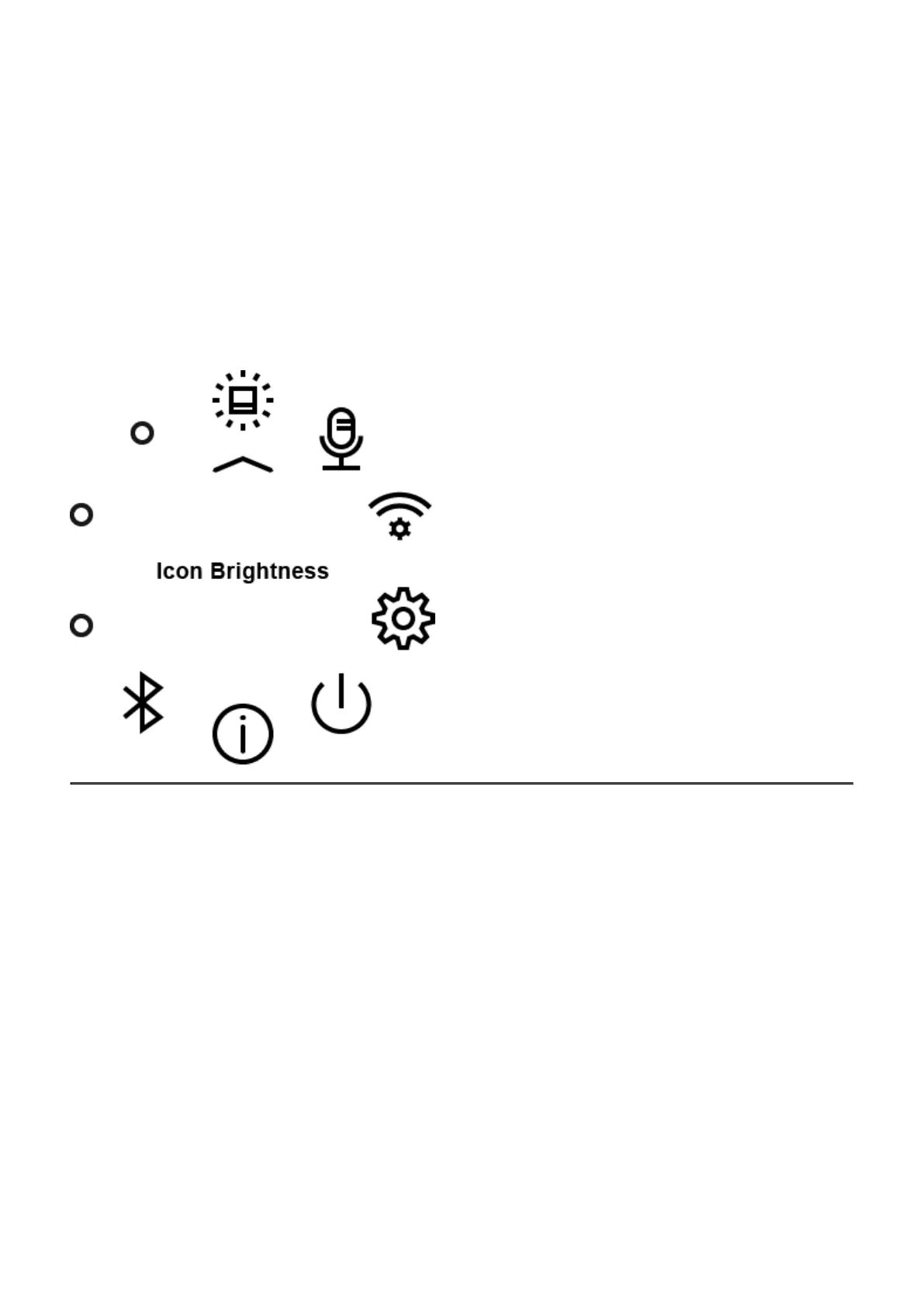
Press the RIGHT (6) and LEFT (8) buttons to toggle through the main menu functions.
3.
Open sub-items in the main menu with one short press of the M (7)button.
4.
To exit a sub-item in the main menu, press and hold down on the M (7)button.
5.
Automatic exit from the main menu occurs after 10 seconds of inactivity.
General view of the menu:
To see the button operation scheme click here.


 To Next Page