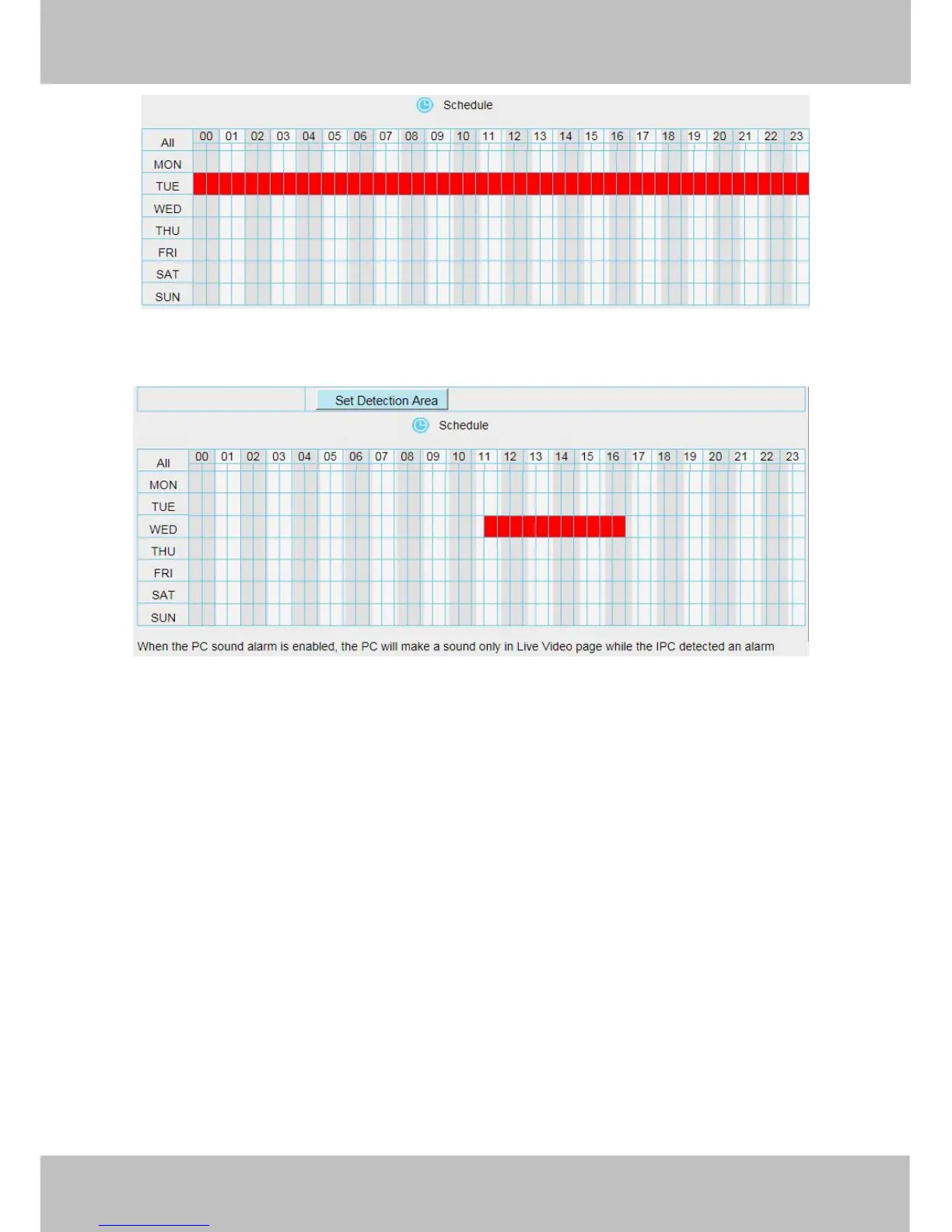
Step 07: Click Save button to take effect.
When the motion has been detected during the detection time in the detection area, the camera will alarm and
adopt the corresponding alarm indicators.
NOTE: You must set the detection area and detection schedule, or else there is no alarm anywhere and
anytime.
4.5.2 IO Alarm
This IP camera provides a I/O alarm terminal block which is used to connect to external input / output device.
The alarm device(door sensor, infrared sensor, smoke detectors, etc) send input command to the network
camera, then the network camera send output command to the alarm output device(local audible alarm, lights
alarm,etc.).



 To Next Page