Foscam Digital Technologies
Telephone: 1-800-930-0949 43
w
w
www
www
.foscam.
.foscam.
us
us
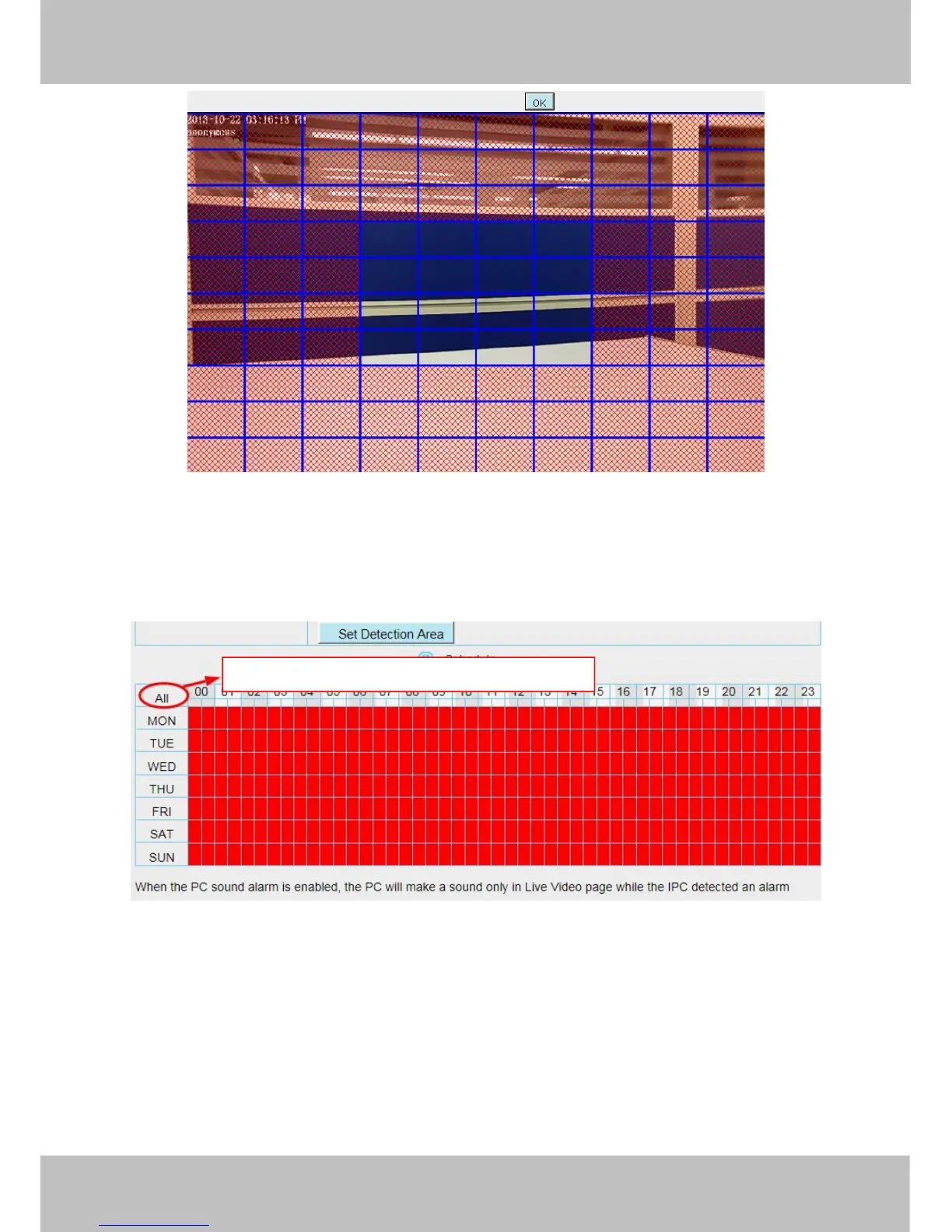
Step 06: Alarm Schedule
① Alarm anytime when motion is detected
Click the black button up the MON, you will see all time range turn red. When something moving in the
detection area at anytime, the camera will alarm.
② Specify an alarm schedule
Click the week day words, the corresponding column will be selected. For example, click TUE, the all column
of TUE turns to red, that means during Tuesday whole day, when something moving in the detection area, the
camera will alarm.
Click this button and select all time range



 To Next Page