14
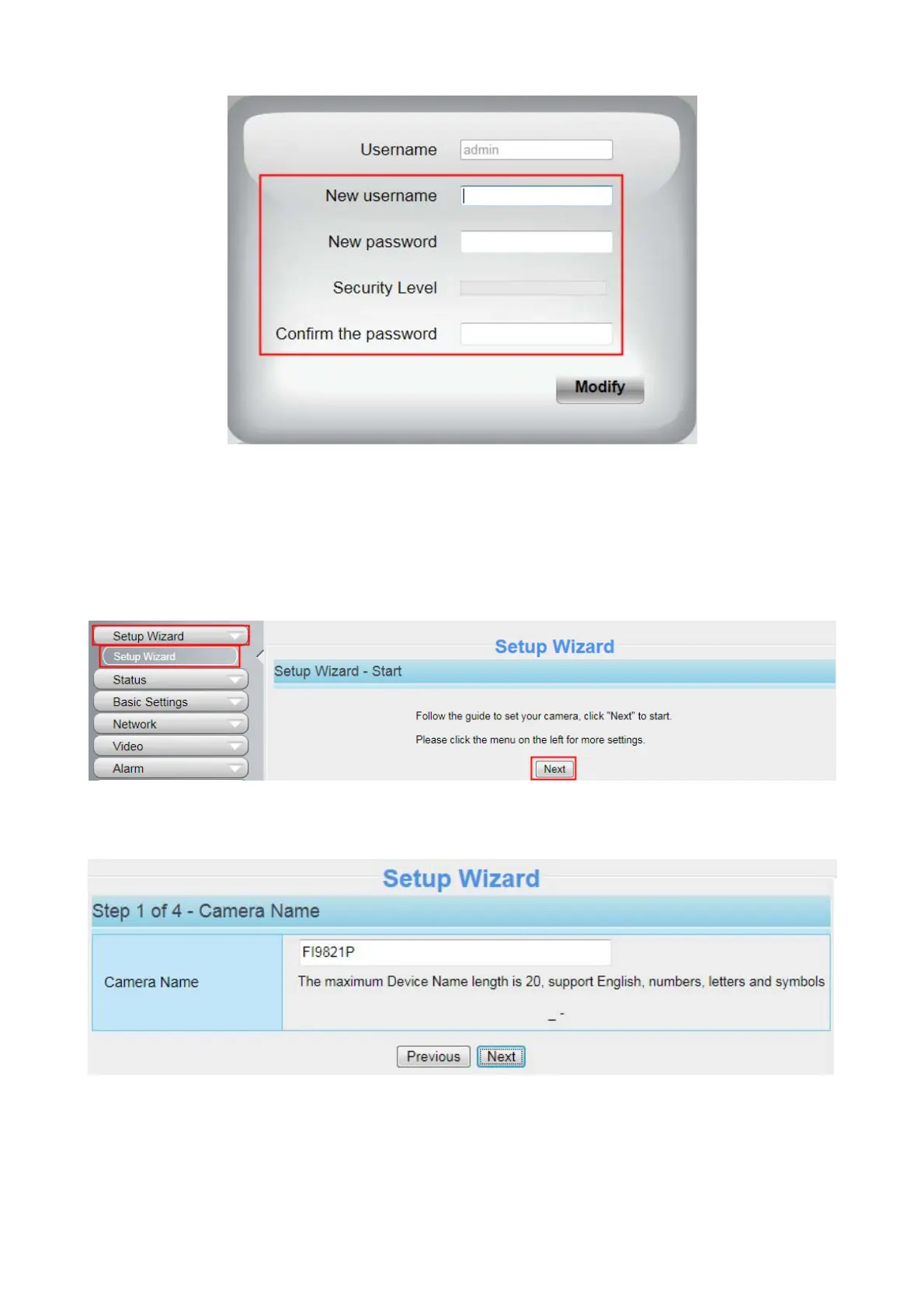
3.2 Setup Wizard
You will go to "Setup Wizard" automatically after your first-login, where you can set the basic parameters
of camera, such as camera name, camera time, wireless settings, IP configuration.
Device Name: You could give name for your camera.
System Time: Select the time zone you need to set the date, time,format and so on.



 To Next Page