6
(2) https:// LAN IP + HTTPS Port NO.
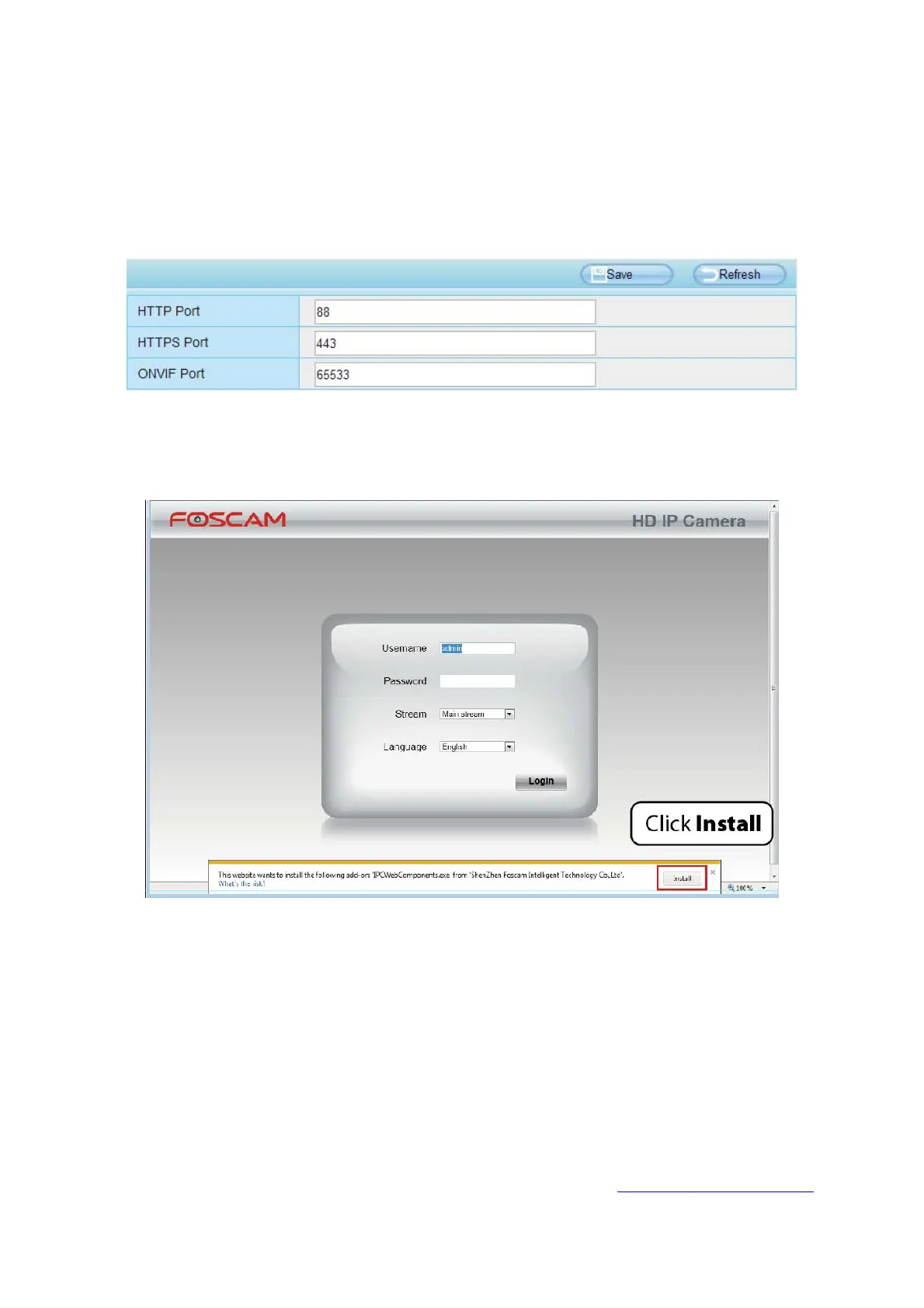
The default HTTPS port NO. is 443. You can use the URL to access the camera: https:// LAN IP +
HTTPS port NO.
Go to Settings - Network - Port panel, you can see and change the HTTP and HTTPS port NO.
NOTE:
When logging in for the first time, you will need to download and install the add-on.
2.3 Access the Camera in WAN
2.3.1 Static IP Addresses
Users with static IP addresses do not need to set DDNS service settings for remote access. After you
have finished connecting the camera using the LAN IP address and port forwarding, you can access the
camera directly from Internet using the WAN IP address and port number.
How to Obtain the WAN IP address from a public website ?
To obtain your WAN IP address, enter the following URL in your browser: http://www.whatismyip.com.
Your current WAN IP will be shown on the webpage.



 To Next Page