18
After changing, please re-login the camera and you can see the modification.
NAA(Network Auto-Adaptability)
When you turn NAA on, IP camera can change the real-time rate to adapt different network conditions. It
can supply better preview experience. The default NAA setting is off.
Zoom Control
Zoom in the camera’s lens.
Zoom out the camera’ lens.
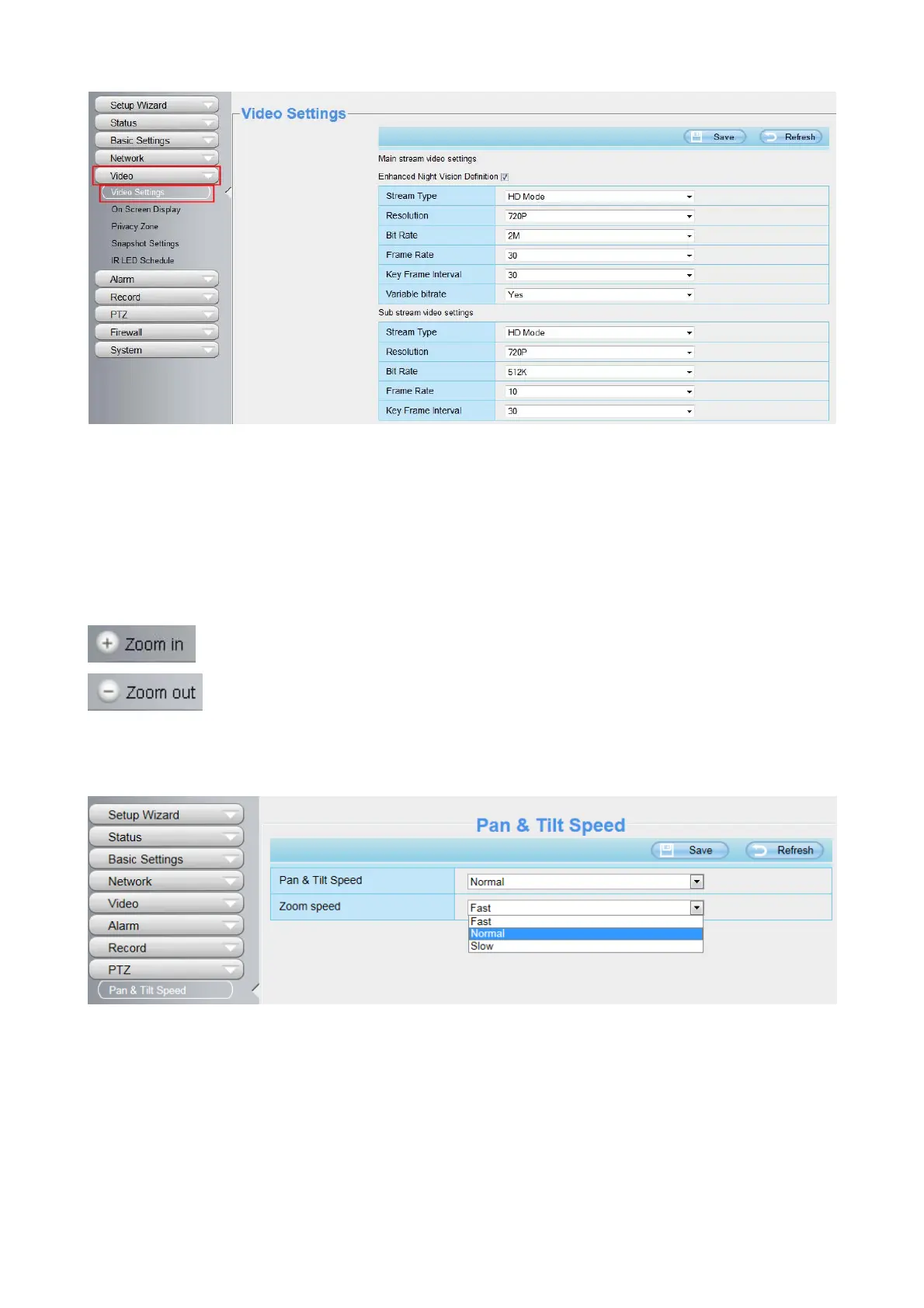
You can adjust the speed of the lens’ zoom in Settings--PTZ--Pan & Tilt Speed--Zoom speed panel.
Pan/Tilt Control



 To Next Page