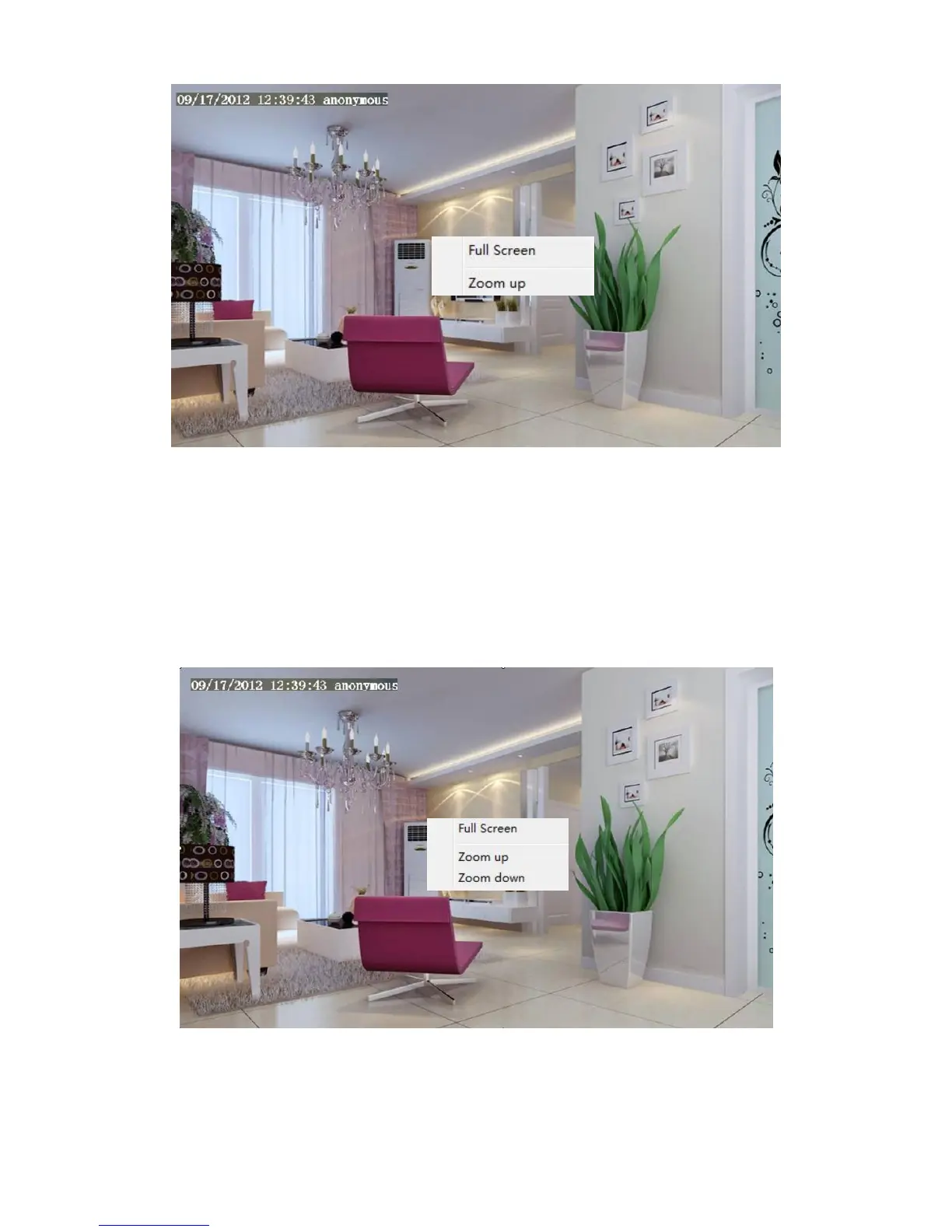
Full Screen: Select it and click it to make full-screen, press ESC and exit full-screen.
Zoom Up
First Method: Here is a convenient and fast solution to Zoom up / down screen by clicking Video Screen and
adjusting Mouse pulley, or by press the CTRL key and click the mouse left button.
Second Method: Click it and the live view will be digital zoomed up, then click Zoom Down and the live view
back to original size.
When you select the Full Screen, then click right mouse, there is a Screen PTZ button.



 To Next Page