1.4 Physical Description
Front Panel
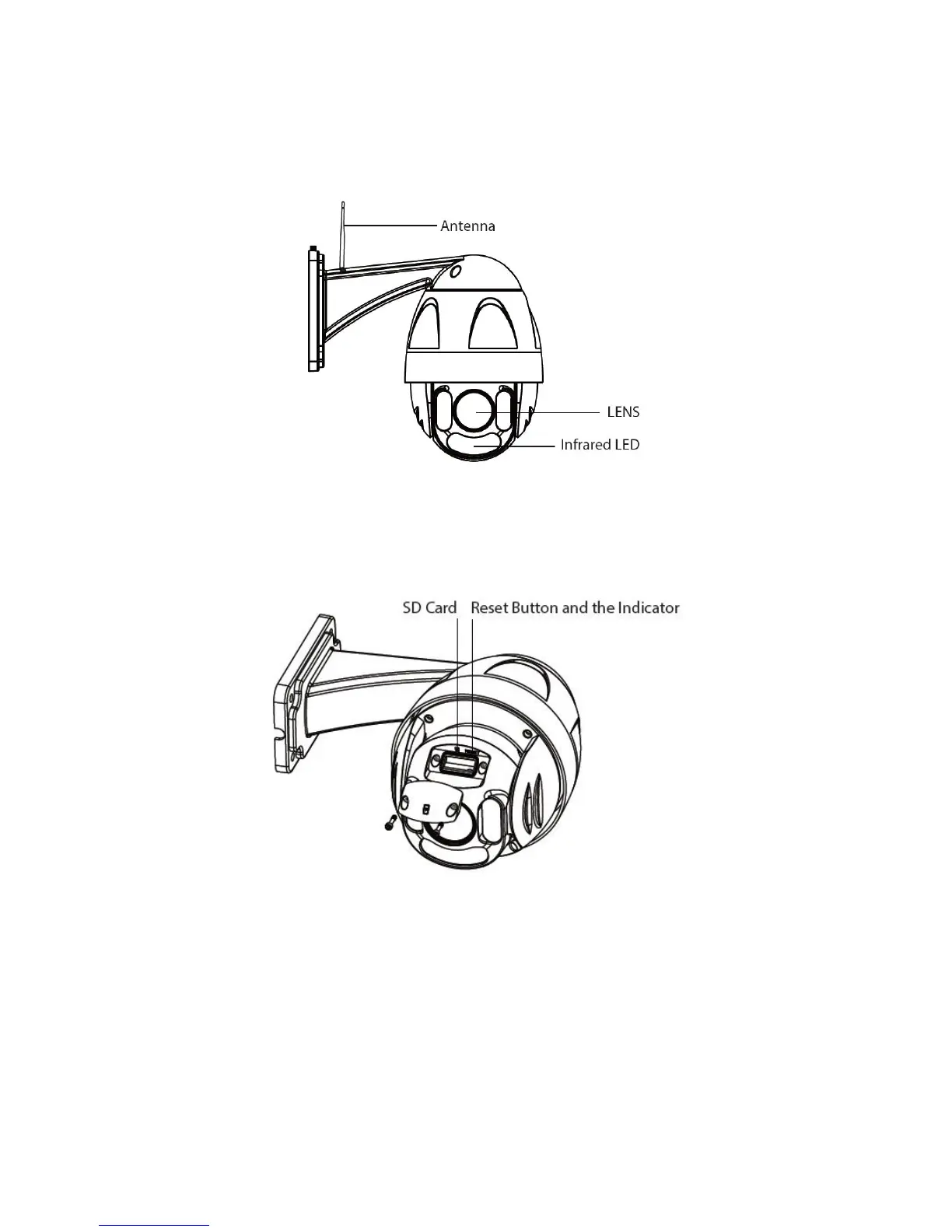
Infrared LED: IR LEDs, IR range up to 60 meters / 196ft.
LENS: High Definition Color CMOS Sensor sensor with zoom lens.
WIFI Antenna: Wireless Antenna
Reset Button
Press and hold on the reset button for 5 seconds. Releasing the reset button, the password will back to the
factory default administrator password. The default administrator user is admin with no password.



 To Next Page