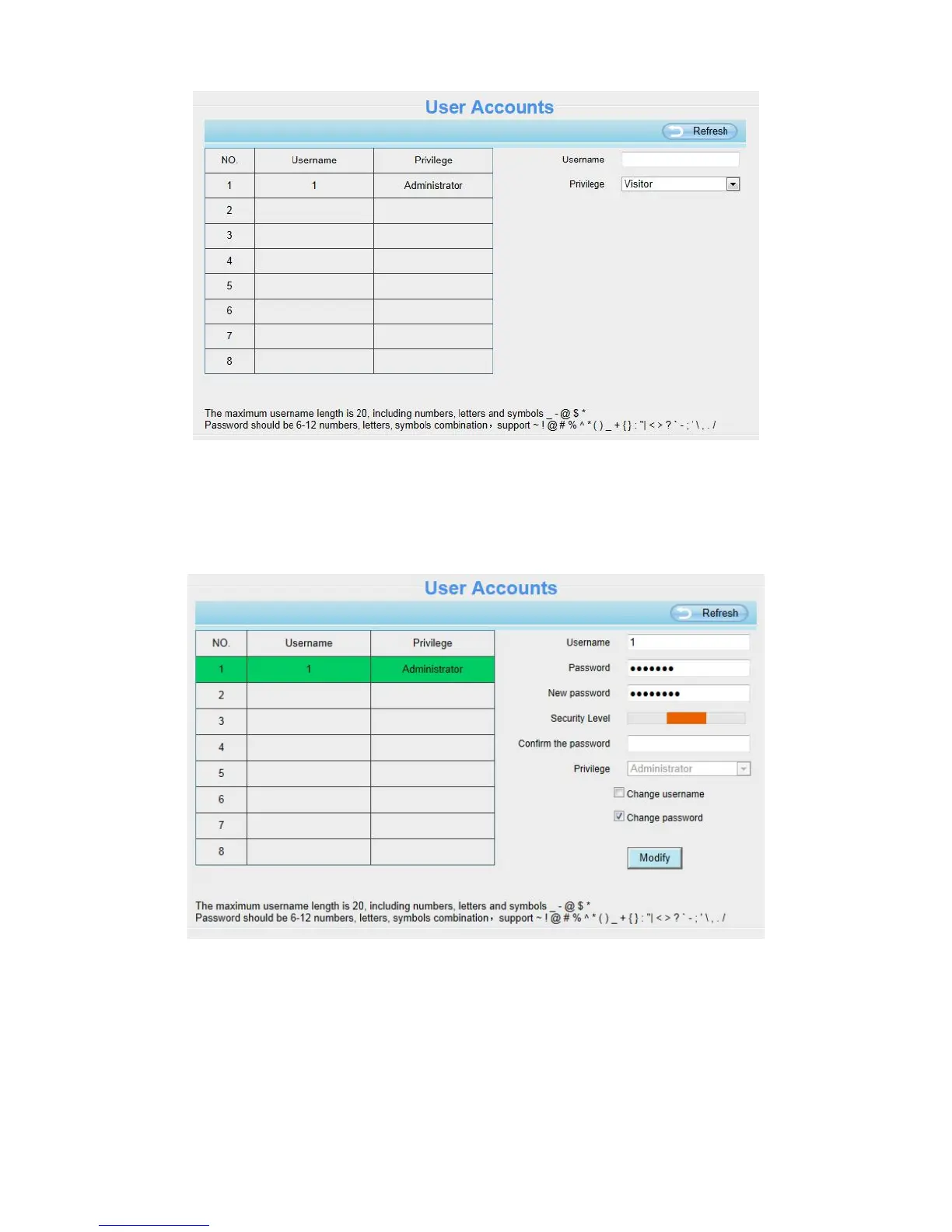
How to change the password of administrator?
Firstly, select the account of administrator, then select Change password, enter the old password and the new
password, lastly click Modify to take effect.
How to add account ?
Select one blank column, then enter the new user name, password and select the privilege, last click Add to
take effect. You can see the new added account on the Account list.



 To Next Page