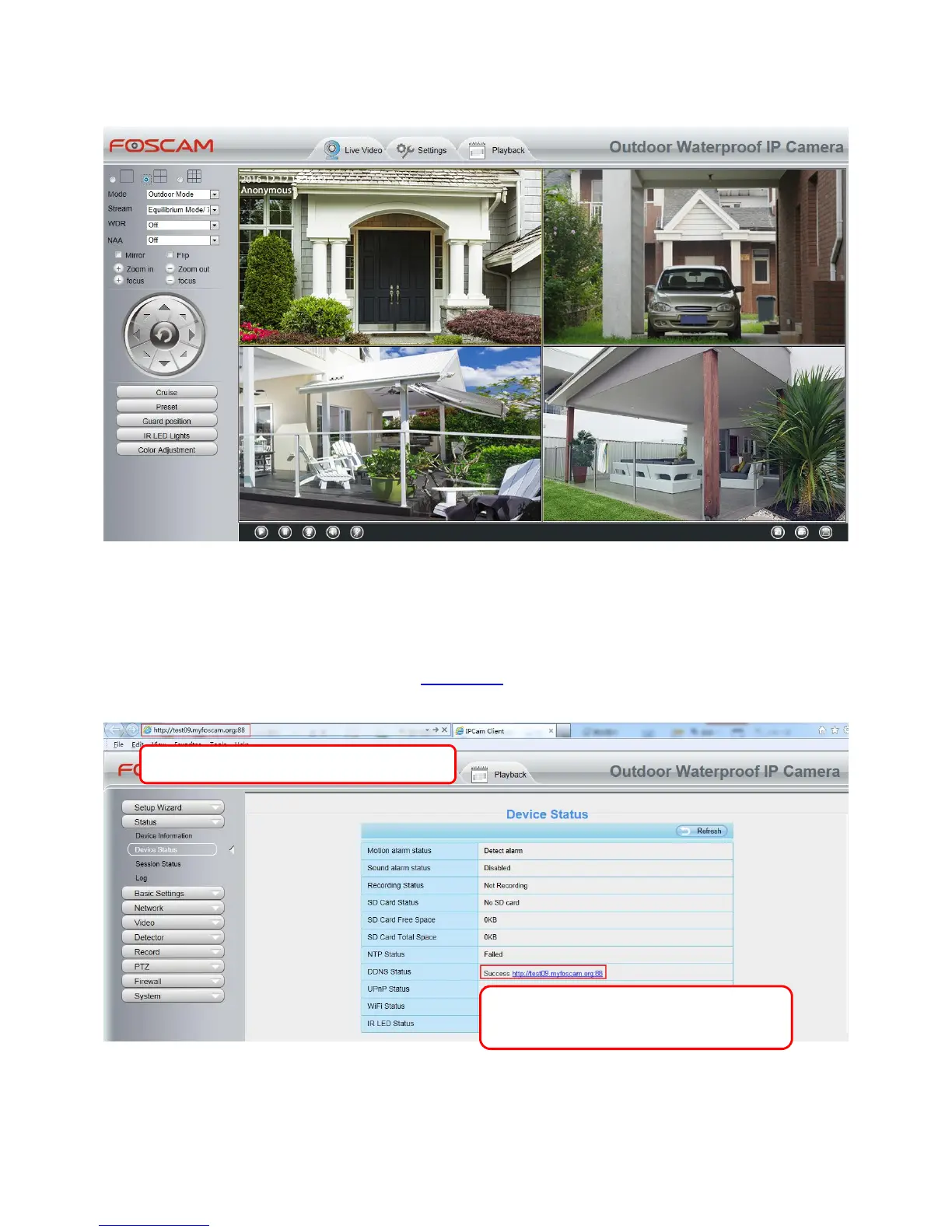
Back to Surveillance Windows, and click Four Windows option, you will see four cameras you added.
Add cameras in WAN
If you want to view all cameras via the internet (remote computer), you will need to add them using DDNS
domain name. Firstly, make sure all of the cameras you added can be accessed through the internet. (Read
How to configure DDNS settings in chapter 4.3.3 DDNS)
Login to the first camera using a DDNS domain name and port.
Click Multi-Device Settings. Choose The 2nd Device. Fill in the 2nd camera's name, DDNS domain name,
port number. Enter user name and password and then choose Add.



 To Next Page