NVR User Manual
www.foscam.com
Manage the recording
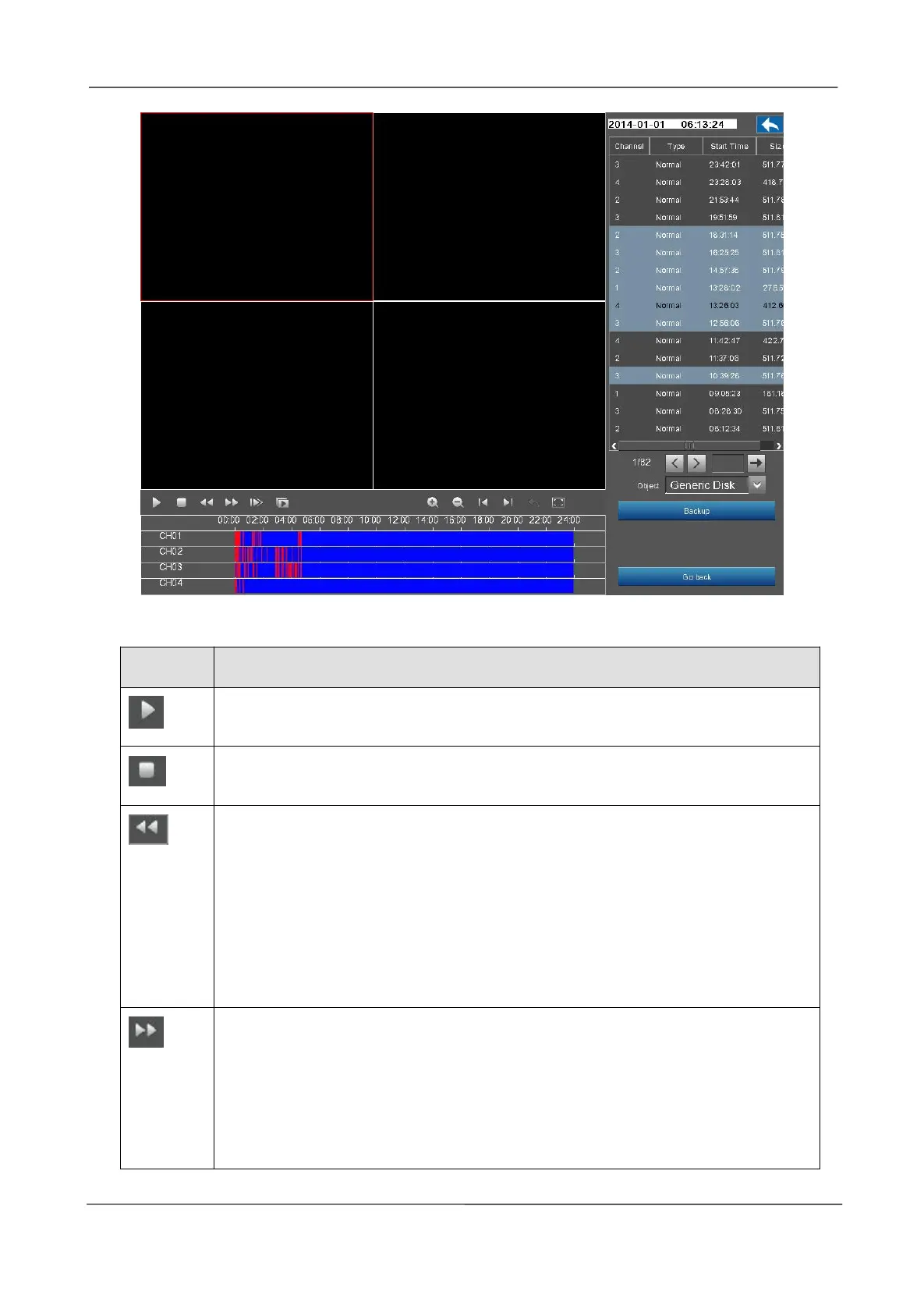
After searching file, click the button to play.
Fast backward. The fast backward speed can be 4 times, 8 times, 16 times or 32
times of the normal playing speed. Click this button. The multiple of normal
playing speed is displayed in the upper right corner of the playback page. For
example, "<< X4" indicates the current fast backward speed is four times of the
normal speed.
Fast forward. The fast forward speed can be twice, 4 times, 8 times, 16 times or
32 times of the normal playing speed. Click this button. The multiple of normal
playing speed is displayed in the upper right corner of the playback page. For
example, ">> X2" indicates the current playing speed is twice of the normal
speed.



 To Next Page