NVR User Manual
www.foscam.com
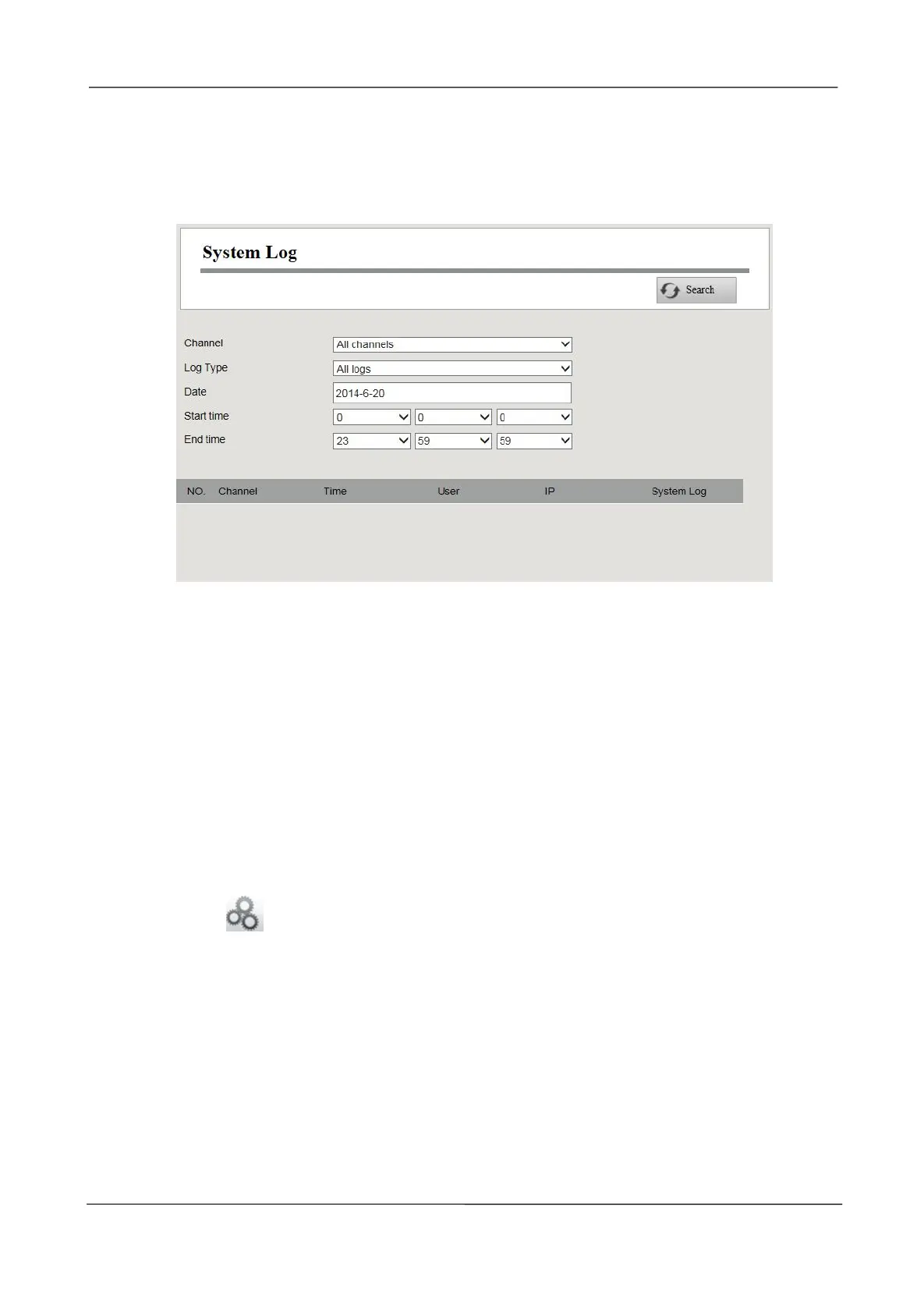
The operation, alarm, exception and information of the NVR can be stored in log files, which can be
searched and viewed at any time.
The Log Type contains Alarm log, System log and Operation log.
[Search Log]
1.Select the Channel, Log Type, Date, Start time and End time.
2.Click the Search button to list all matched logs.
3.4.5 Basic Settings
System Time
You can configure the date and time of the NVR.
Step1
Choose (Parameter Configuration) > Basic Settings > System Time. The System
Time page is displayed.
Step2
Configure the system time of the NVR.



 To Next Page