NVR User Manual
www.foscam.com
2.4.6 System
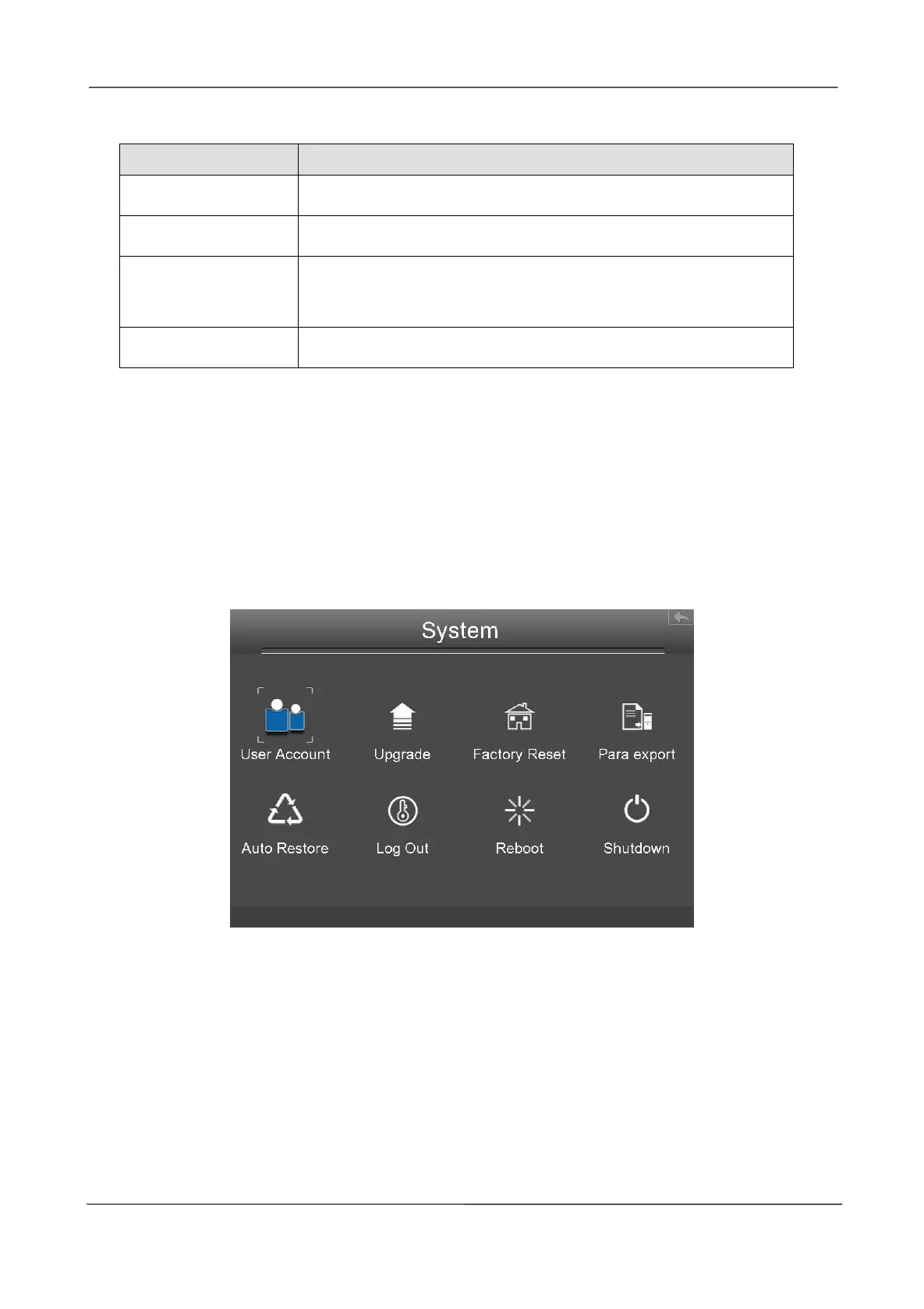
Choose Menu > System in the Menu interface. The System interface is displayed.
You can manage the NVR device about User Account, Upgrade, Factory Reset, Para export, Auto
Restore, Log Out, Reboot, Shutdown.
User Account
Choose Menu > System > User Account in the Menu interface. The User account management
interface is displayed.
User levels by permission from low to high are visitor, operator, administrator. Different user levels
have different operating permission.The default user name of device administrator is admin with no
password.
Select the channel from the drop-down list.
It displays the IPC device name of the corresponding channel.
Whether to display the IPC device name on the selected channel.
Whether to display the IPC device time on the selected channel.



 To Next Page