NVR User Manual
www.foscam.com
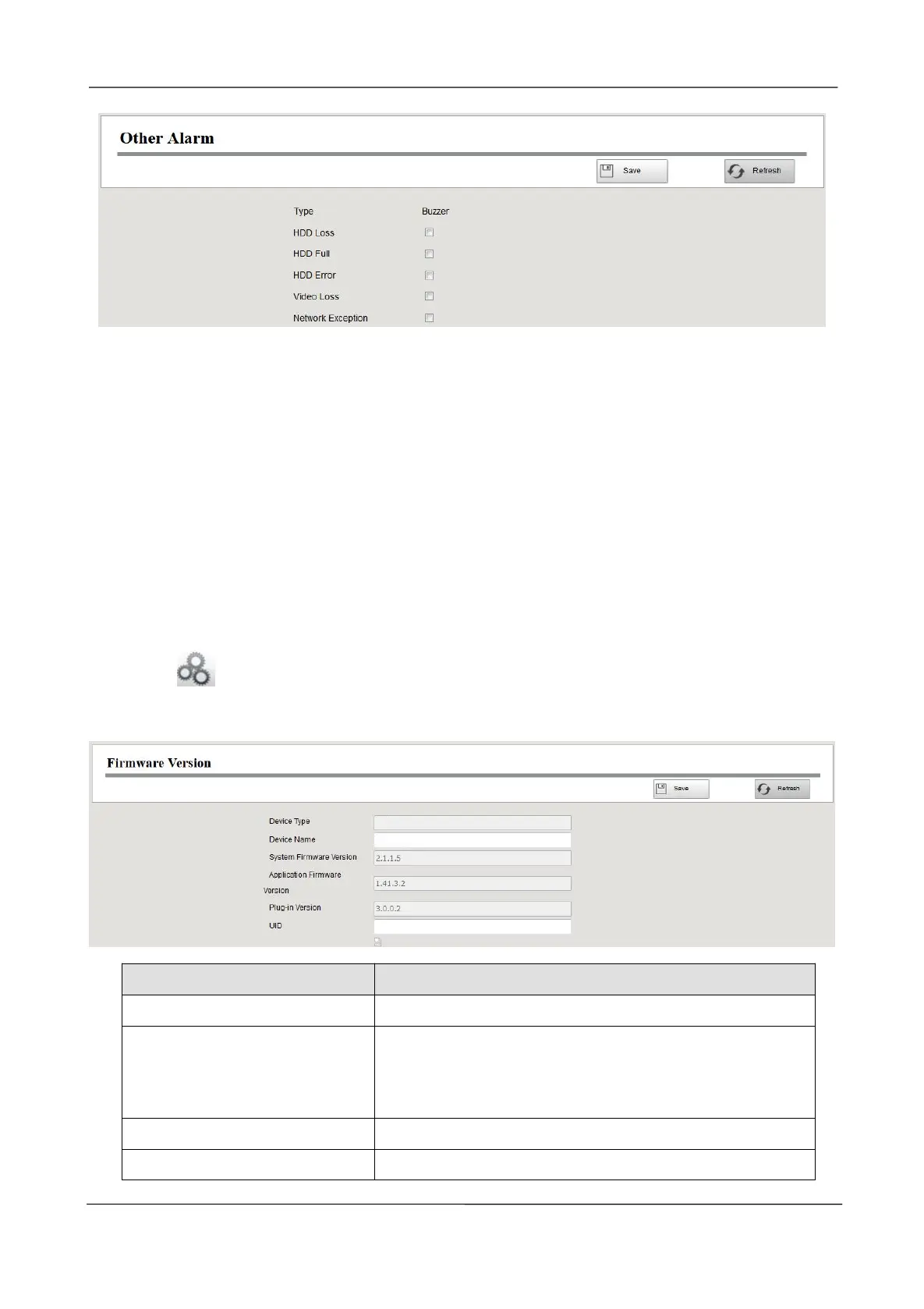
Step2 Select Type form drop-down box list.
Step3 Check the Buzzer checkbox if you want to enable buzzing sound of the NVR device.
Step4 Click Save button to take effect.
-------End
3.4.4 Device Information
Firmware Version
You can view the NVR system information, or modify the Device Name.
Choose (Parameter Configuration) > Device Information > Firmware Version. The
Firmware Version page is displayed.
The device name is a unique name that you can give to
your device to help you identify it.
You can change your NVR name.
Display the system version of your NVR.
Application Firmware Version
Display the application firmware version of your NVR.



 To Next Page