NVR User Manual
www.foscam.com
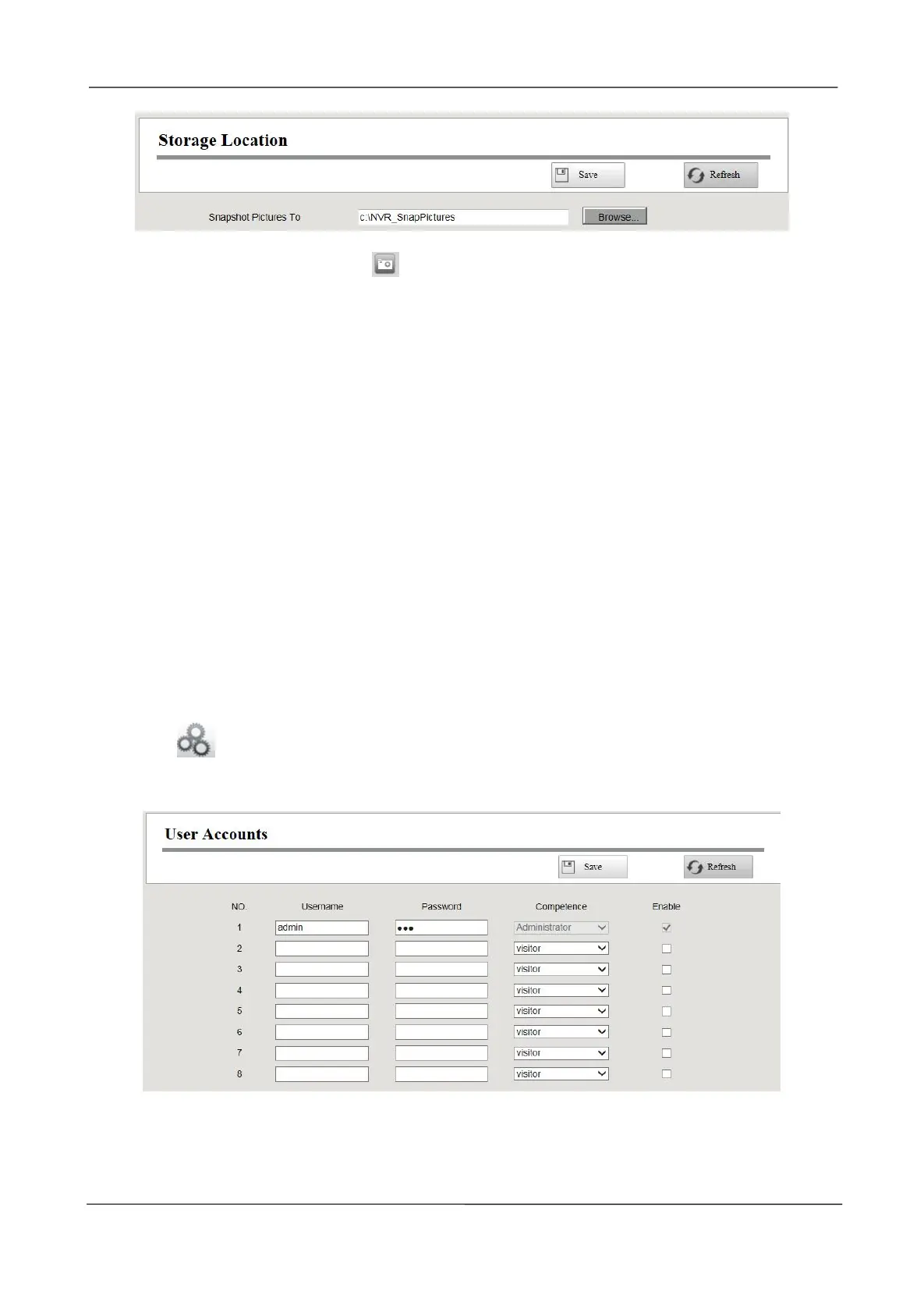
Snapshot Pictures To: Click the icon (Take Snapshot) in the Real time Preview page or Playback
page, the snapshot picture will be saved to the Snap Picture Path in the local computer.
3.4.6 System Management
User Account
User levels by permission from low to high are visitor, operator, administrator. Different user levels
have different operating permission.The default user name of device administrator is admin with no
password.
The administrator has the permission to add and delete all users and configure user parameters.
You can add, modify, delete username / password or distribute authority for users.
The valid value range of Username and Password is 1 ~ 20 characters, it contains the English letter,
numeric and symbol.
Choose (Parameter Configuration) > System Management > User Account. The User
Accounts page is displayed.
[Add a User]
1.input the Username and Password.



 To Next Page