NVR User Manual
www.foscam.com
2.Select the user level from the Competence.
3.Check the Enable checkbox.
4.Click Save button to save the settings and the added new user will be displayed on the list.
[Changing Password of Admin]
1.In the Password text field, delete the old password, input the new password.
2.Click Save button to take effect.
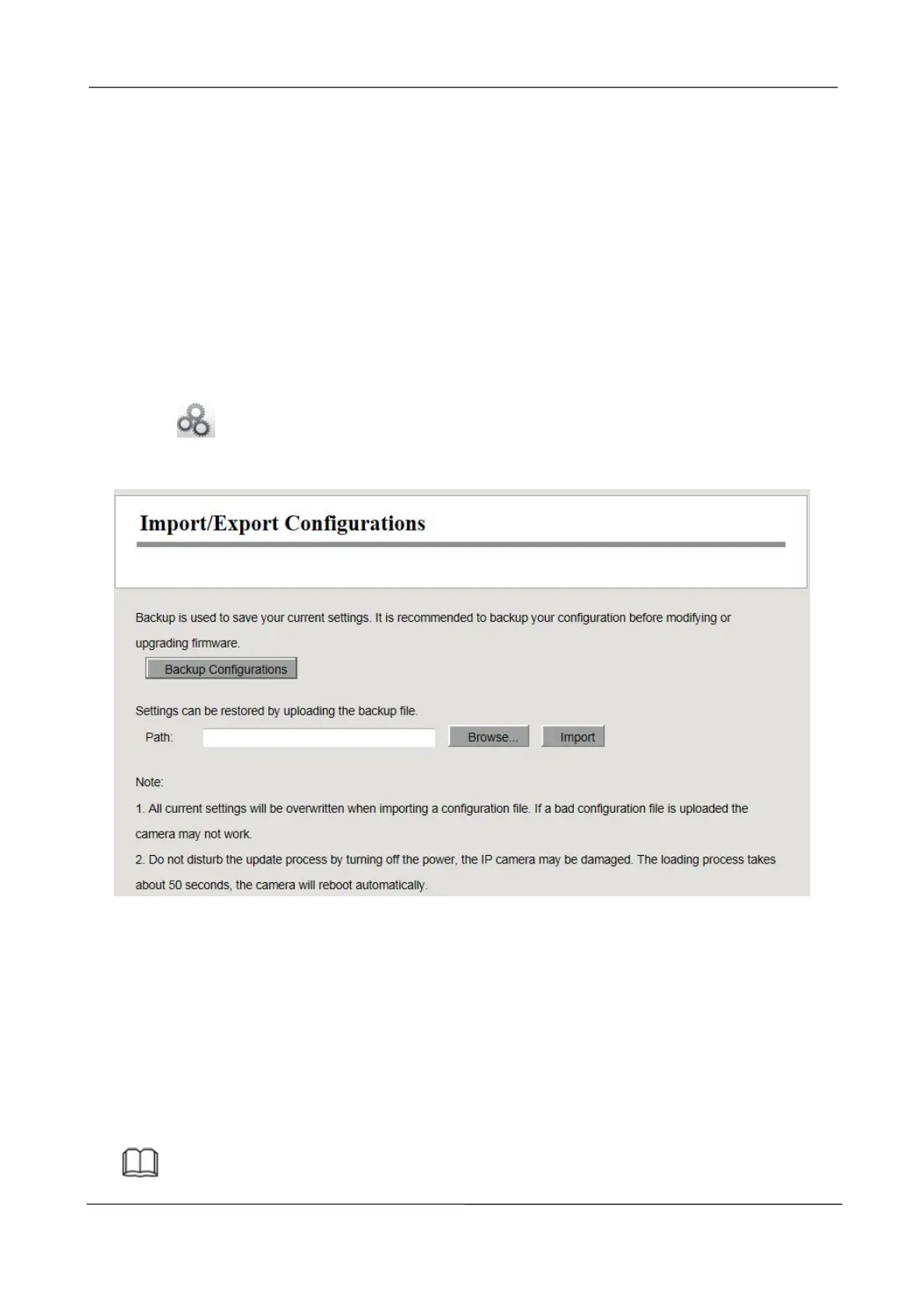
Import / Export Configurations
You can import or export a configuration file for NVR system.
Choose (Parameter Configuration) > System Management > Import / Export
Configuration. The Import / Export Configurations page is displayed.
Backup Configurations: Backup is used to save your current settings. It is recommended to backup
your configuration before modifying or upgrading firmware. Click Backup button and the
configuration files of the NVR will be exported for backup. The name of the configuration file name
is config.bin.
Import: Click Browse..., select the config.bin file from the USB-flash disk and click the Import
button. The loading process takes about 50 seconds, After having finished the import of
configuration files, the NVR device will reboot automatically.
Note



 To Next Page