NVR User Manual
www.foscam.com
Auto Restore
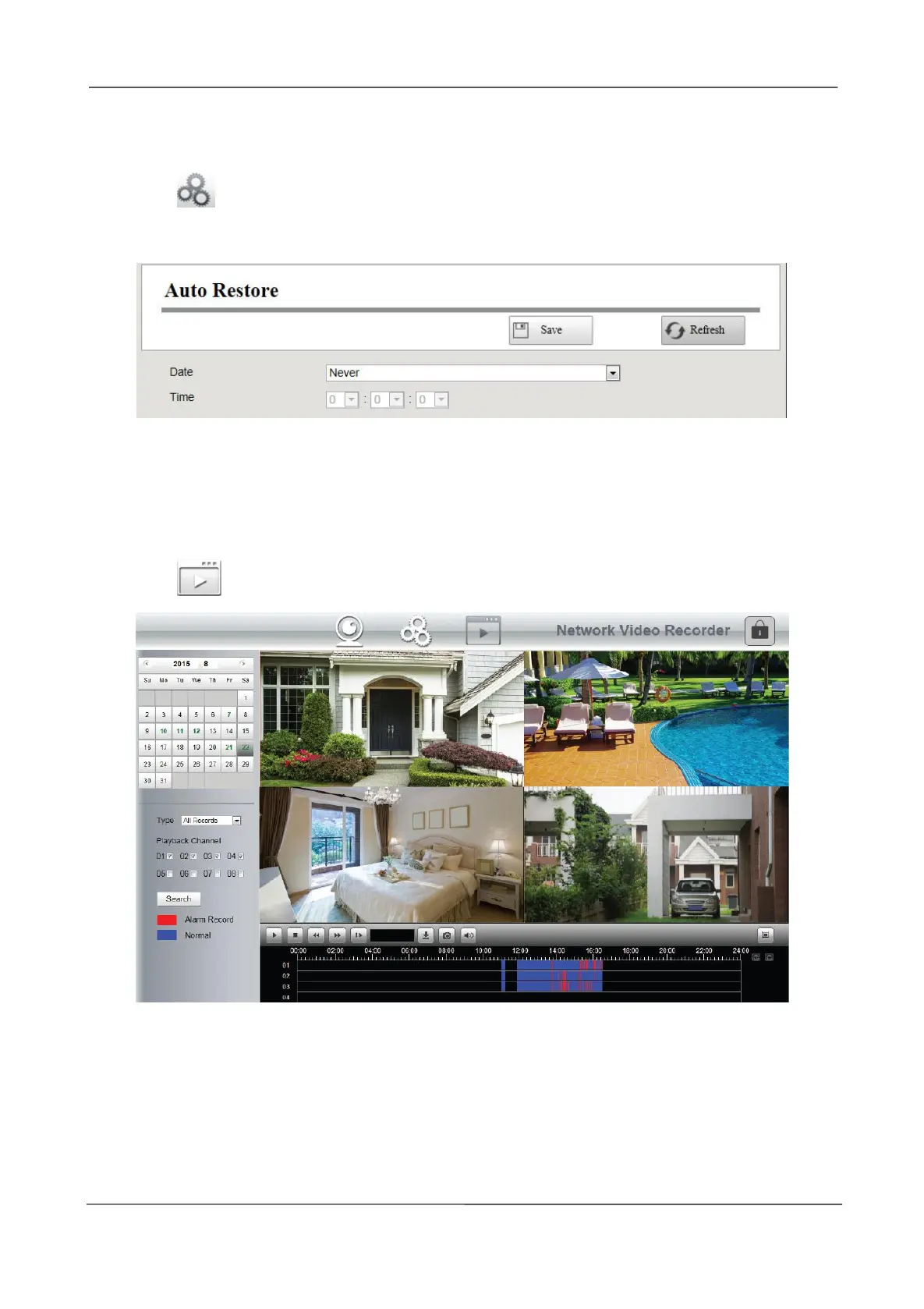
Choose (Parameter Configuration) > System Management > Auto Restore. The Auto
Restore page is displayed.
You can configure the Date and Time. The NVR system will be maintained at the setting time.
3.5 Playback
Choose (Playback), you can play the recording file of the NVR.
1. Select a date with recording in calendar.
2. Select the Record Type, and check the checkbox from the Channels.
3. Click Search button to search the matched recorded files. If there are search results, then they
will be shown in the time bar area.



 To Next Page