NVR User Manual
www.foscam.com
Whether to enable setup wizard when the NVR system starts again.
Please select the time zone according to the actual situation.
Automatically
synchronize with and
Internet time server
Whether synchronize your NVR with an Internet time server.
Check: You need to configure the NTP Server.
Uncheck: You need to configure the Date and Time.
You need to configure the date format.
You need to configure the time format.
Check the checkbox, then select the daylight saving time from the
dropdown list.
Synchronize time to
camera
Time set by the NVR system. Whether to synchronize the time to the
connected IPC device.
Click Save button to take effect.
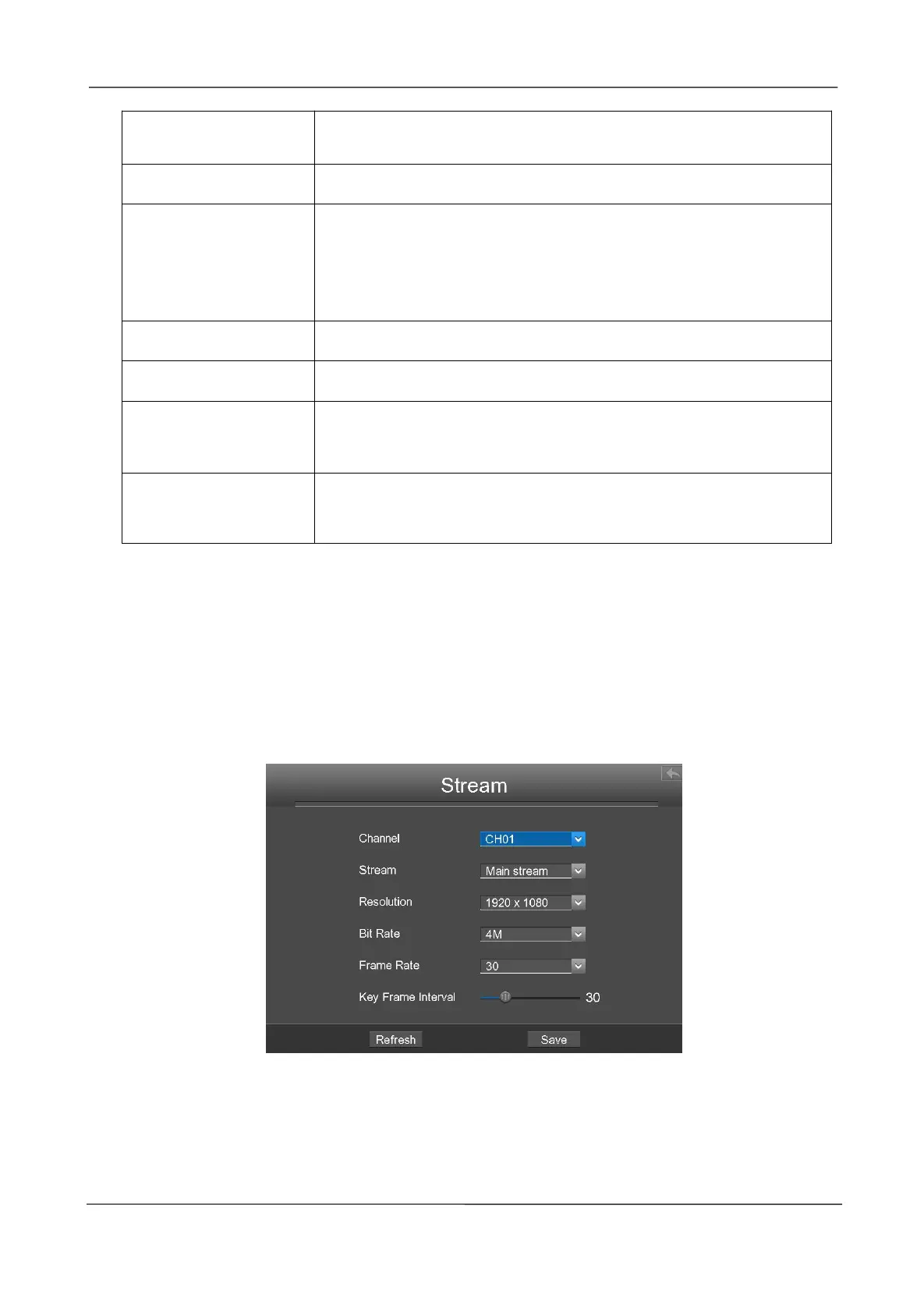
Stream
Choose Menu > Settings > Stream in the Menu interface. The Stream interface is displayed.
You can configure the encoding scheme parameters of the IP Camera, the NVR system will
synchronize your IP camera with encoding scheme.



 To Next Page