NVR User Manual
www.foscam.com
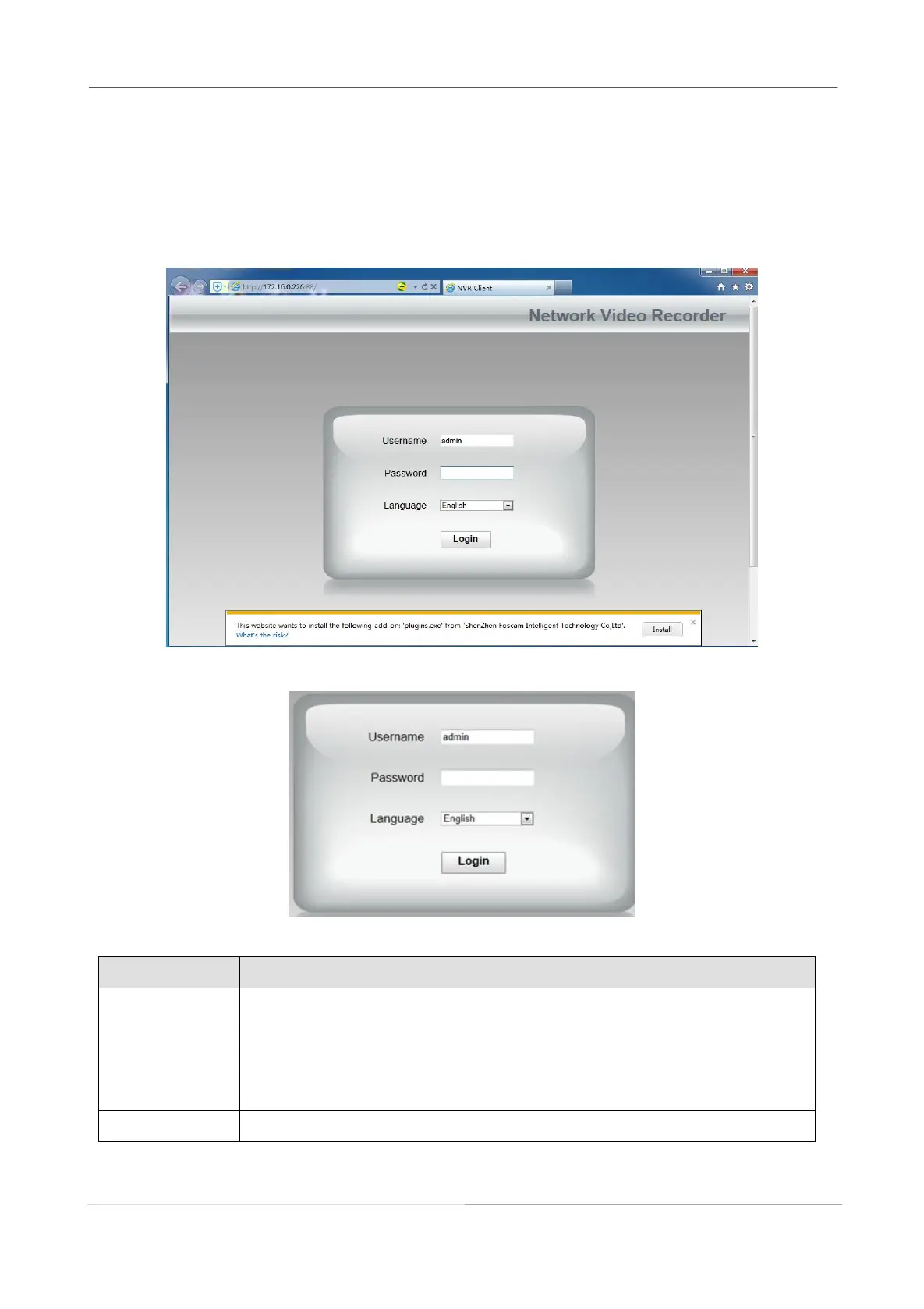
Step4 Double-click the NVR, and your default browser will open up to the NVR's login page. When
logging in for the first time, you will need to install the add-on.
It will pop up the message below the page, as shown in the following figure.
Click Install button to install the add-on. Please follow the installation instructions. (Please close
the browser during installation.)
Step5 After installing the add-on, refresh the browser and enter the login interface.
Input the follow parameter.
The user name and password of the NVR client.
The default administrator username is admin with a blank password, please
set the new username or password at first using and prevent unauthorized
users login the NVR.
Select the language type of the NVR client.



 To Next Page