Micro SD Card slot: Supports up to 256GB SD card for storing the video.
Speaker: Built-in speaker.
1.5 SD Card Management
This camera supports Micro SD Card.
When you plug in the SD card during the camera work process, please reboot the camera again, or else the
SD card might not work well.
On Foscam app go to the SettingsDevice StatusDevice Status page, you can see the SD card status.
1.6 Add Device: Connection via the Foscam App
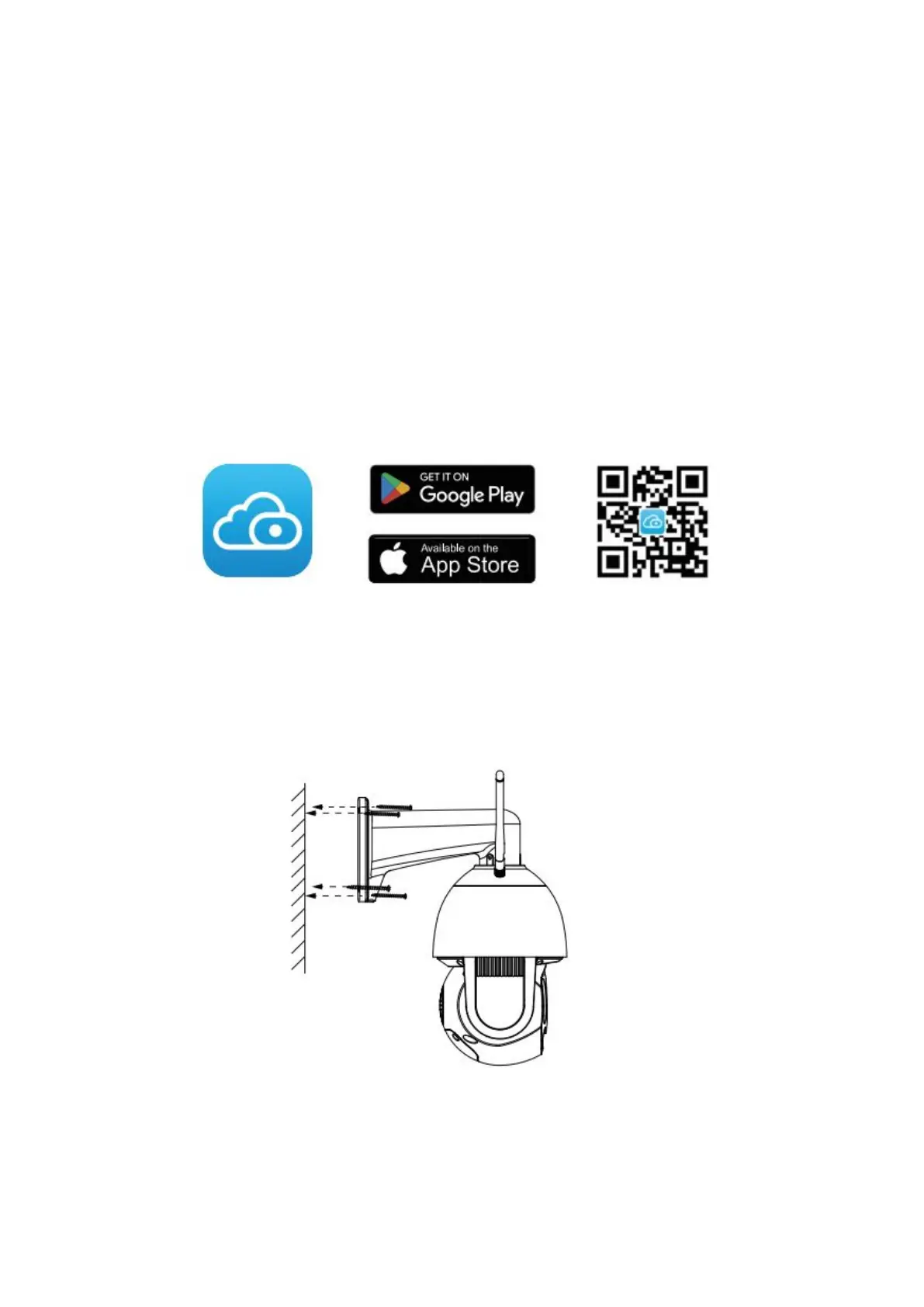
Scan the QR code below to download and install the Foscam APP.
Please refer to the Quick Setup Guide.
1.7 Installation
Please refer to the Quick Setup Guide.
Fixate the camera on your preferred location and use the provided screws to mount it.
Please Note: Ensure that the rain or water will not reach the connector ports at the end of the pig tail wiring.
These connectors are not weather-resistant


 To Next Page