EasyManua.ls Logo

Fostex G16S - Page 30

Fostex G16S
107 pages
Print Icon
To Next Page IconTo Next Page
To Previous Page IconTo Previous Page
Loading...
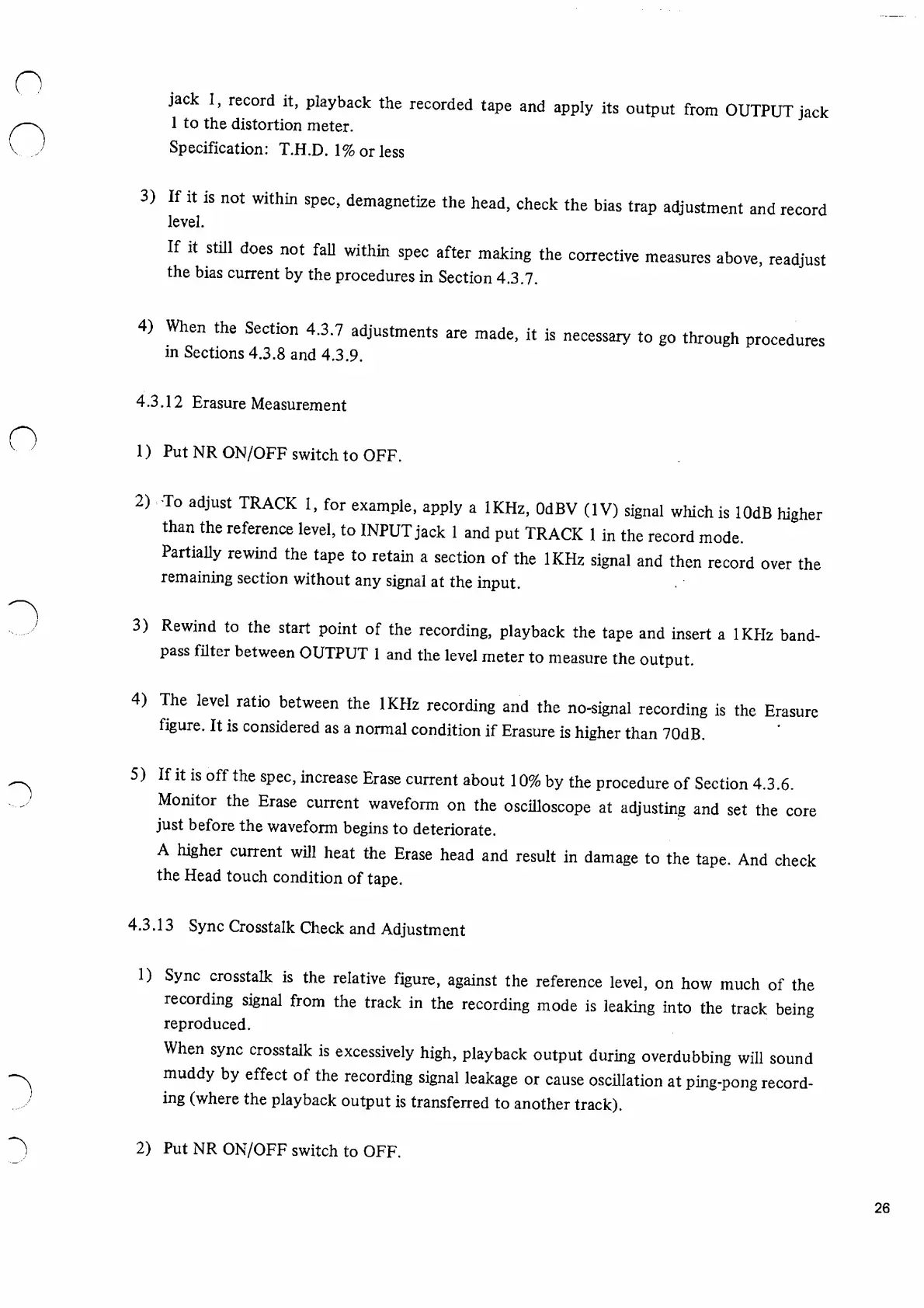
jack
1,
record
it,
playback
the
recorded
tape
and
apply
its
output
from
OUTPUT
jack
1
to
the
distortion
meter.
Specification:
T.H.D.
1%
or
less
3)
If
it
is
not
within
spec,
demagnetize
the
head,
check
the
bias
trap
adjustment
and
record
level.
If
it
still
does
not
fall
within
spec
after
making
the
corrective
measures
above,
readjust
the
bias
current
by
the
procedures
in
Section
4.3.7.
4)
When
the
Section
4.3.7
adjustments
are
made,
it
is
necessary
to
go
through
procedures
in
Sections
4.3.8
and
4.3.9.
4.3.12
Erasure
Measurement
1)
Put
NR
ON/OFF
switch
to
OFF.
2)
To
adjust
TRACK
1,
for
example,
apply
a
IKHz,
OdBV
(IV)
signal
which
is
lOdB
hi
gher
than
the
reference
level,
to
INPUT
jack
1
and
put
TRACK
1
in
the
record
mode
Partially
rewind
the
tape
to
retain
a
section
of
the
IKHz
signal
and
then
record
over
the
remaining
section
without
any
signal
at
the
input.
3)
Rewind
to
the
start
point
of
the
recording,
playback
the
tape
and
insert
a
IKHz
band
pass
filter
between
OUTPUT
1
and
the
level
meter
to
measure
the
output.
4)
The
level
ratio
between
the
IKHz
recording
and
the
no-signal
recording
is
the
Erasure
figure.
It
is
considered
as
a
normal
condition
if
Erasure
is
higher
than
70dB.
5)
If
it
is
off
the
spec,
increase
Erase
current
about
10%
by
the
procedure
of
Section
4.3.6.
Monitor
the
Erase
current
waveform
on
the
oscilloscope
at
adjusting
and
set
the
core
just
before
the
waveform
begins
to
deteriorate.
A
higher
current
will
heat
the
Erase
head
and
result
in
damage
to
the
tape.
And
check
the
Head
touch
condition
of
tape.
4.3.13
Sync
Crosstalk
Check
and
Adjustment
1)
Sync
crosstalk
is
the
relative
figure,
against
the
reference
level,
on
how
much
of
the
recording
signal
from
the
track
in
the
recording
mode
is
leaking
into
the
track
being
reproduced.
When
sync
crosstalk
is
excessively
high,
playback
output
during
overdubbing
will
sound
muddy
by
effect
of
the
recording
signal
leakage
or
cause
oscillation
at
ping-pong
record
ing
(where
the
playback
output
is
transferred
to
another
track).
2)
Put
NR
ON/OFF
switch
to
OFF.
26

Other manuals for Fostex G16S

Related product manuals