7
English
For Mac OS
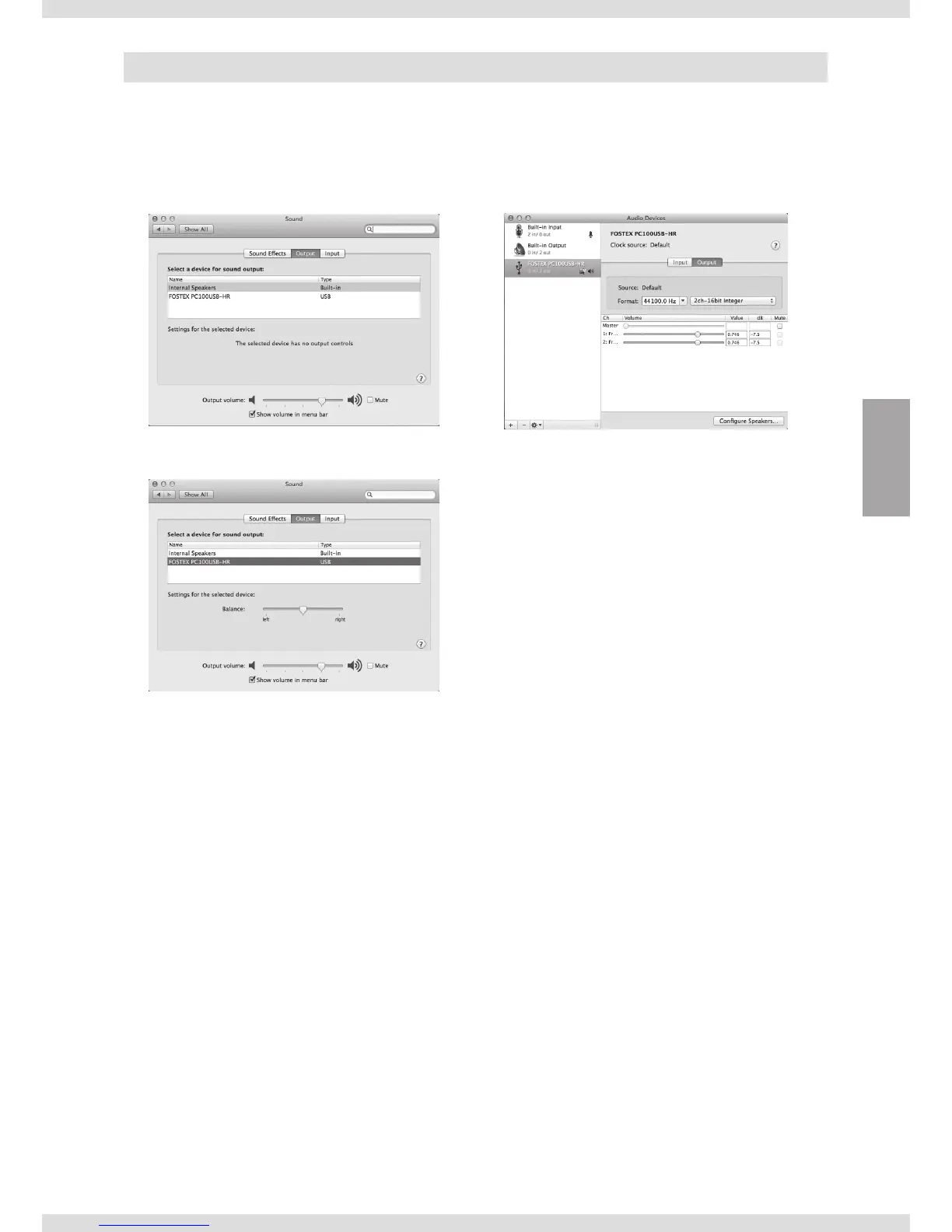
Output device settings Advanced settings
1) Select “System Preferences…” from the apple
menu.
2) Select “Sound”.
3) Select the “Output” tab.
4) Select “FOSTEX PC100USB-HR” in the “Select a
device for sound output” list.
Open “Audio MIDI Setup” in the “Utilities” folder
(found in the “Applications” folder).
You can set the sampling rate, bit rate and right-
left volume if necessary.



 To Next Page