7320 IFL Installation and User’s Guide
Set Up
Foxcom Proprietary Information 14
Document No. 93-005-28-C
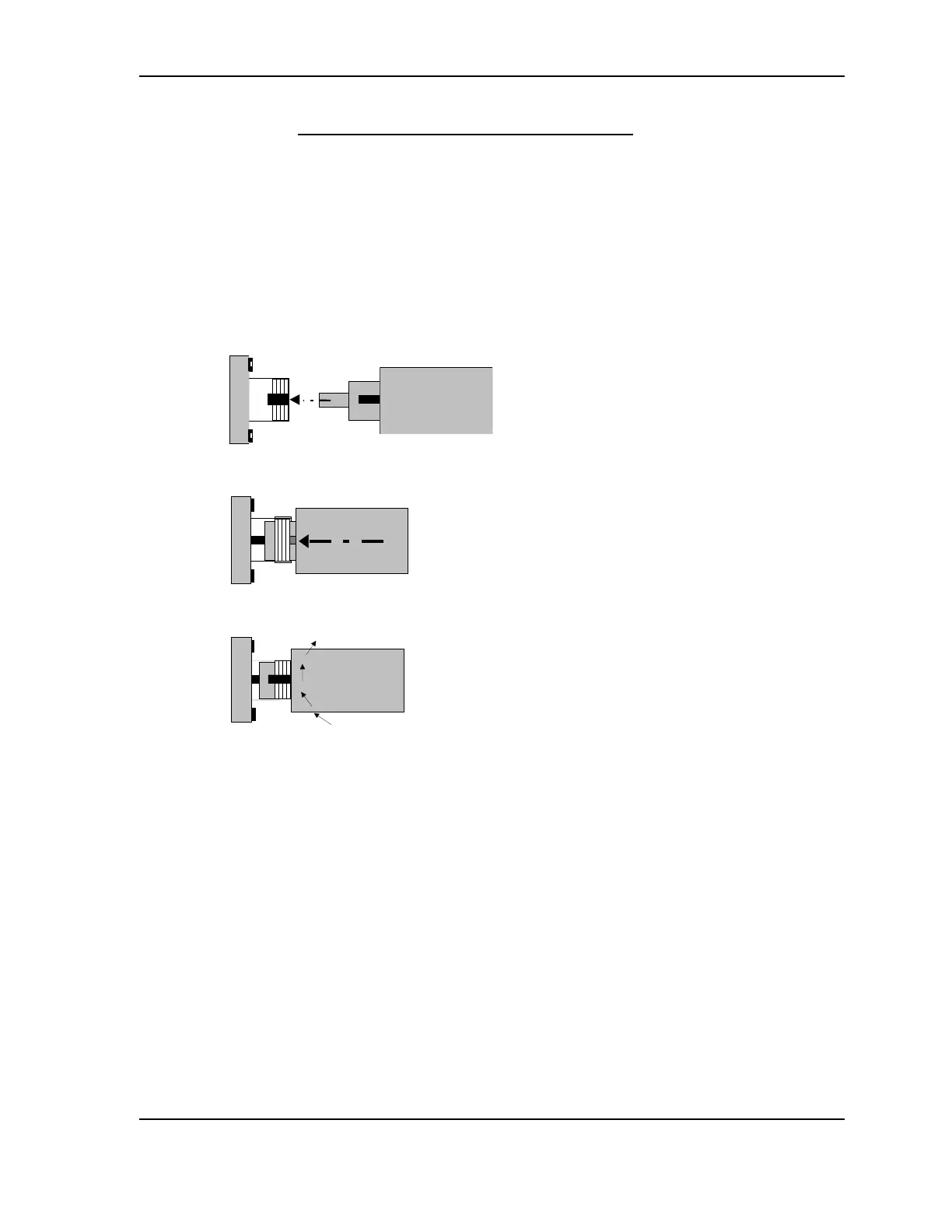
3.1.2. Connecting the Fiberoptic Cable
Before connecting the cable:
1. The fiberoptic cable must be either fusion spliced or connected via FC/APC
connectors.
2. Wipe the connector with a lint-free cotton cloth.
3. Note the polarity key of the optical connector before inserting.
To connect the cable:
1. Line Up the Polarity Key.
FC/APC
2. Insert the connector.
3. Tighten the connector.



 To Next Page