17
3
► Halt On
This category determines whether or not the computer will stop if an error is detected during
powering up.
[All Errors]: All errors can result in system halt.
[No Errors]: No error can result in system halt.
[All, but keyboard]: All errors but keyboard can result in system halt.
► CPU Brand Name
It displays the current CPU name.
► Total Memory
This item displays the total memory size. The size is depending on how many memory mod-
ules are installed in your system before powering on.
► MAC Address
This item displays the onboard LAN MAC address.
Fox Control Center
Version 2.02.1205. Copyright (C) 2010 American Megatrends, Inc.
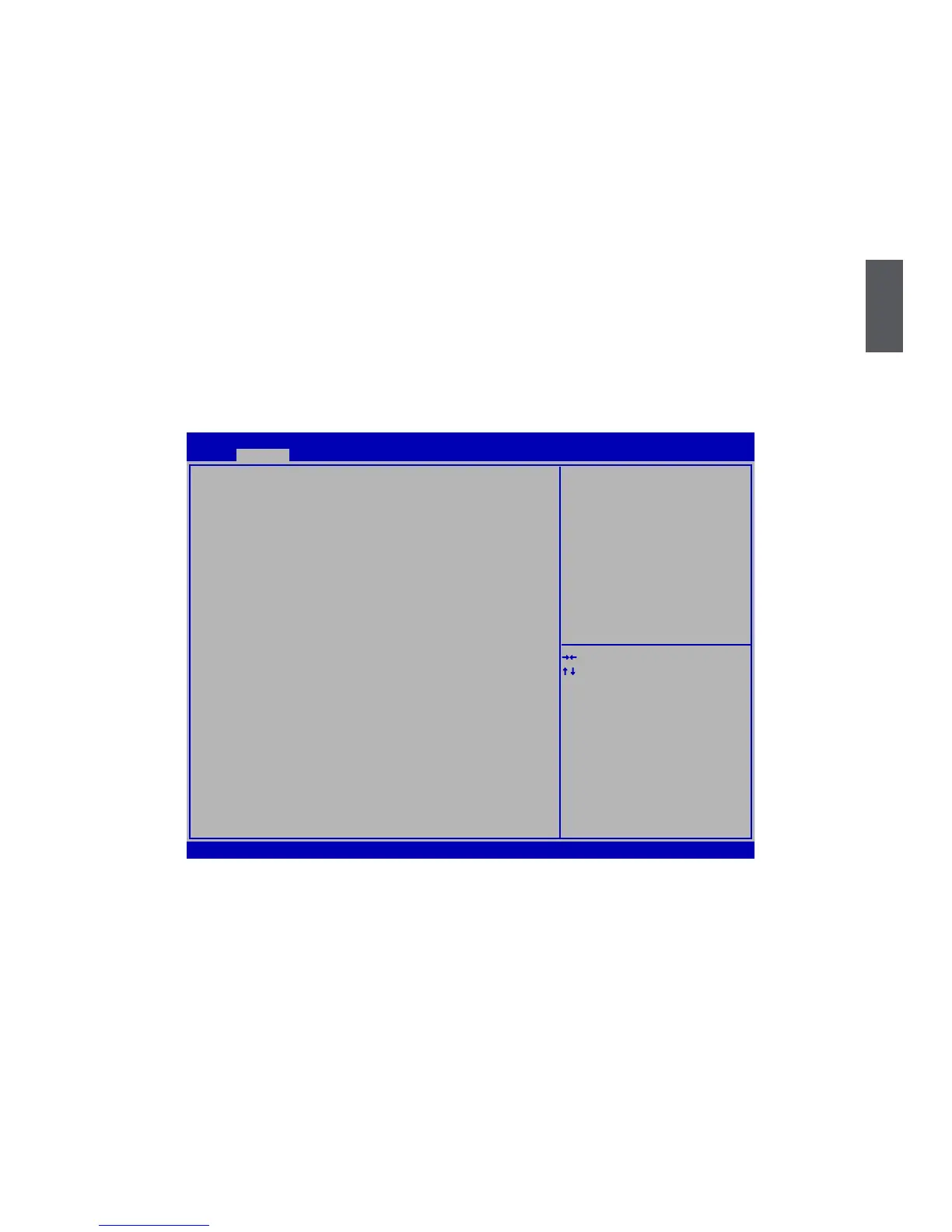
Aptio Setup Utility - Copyright (C) 2010 American Megatrends, Inc.
Fox Control Center Super BIOS Protection Settings
Super BIOS Protect [Disabled]
Auto Detect PCI Clock [Disabled]
▶ Smart BIOS
▶ Fox Intelligent Stepping
▶ CPU Configuration
→ ←: Select Screen
↑ ↓: Select Item
Enter: Select
+/-: Change Opt.
F1: General Help
F2: Previous Values
F3: Optimized Defaults
F4: Save & Exit
ESC: Exit
F-Center
► Super BIOS Protect
To protect the system BIOS, there is a BIOS write-protection mechanism provided to
prevent BIOS FLASH tool being improperly used to update BIOS or the vicious virus(such as
CHI,etc) rewriting BIOS setup.
► Auto Detect PCI Clock
This option is used to auto detect PCI/PCIE slot. When enabled, the system will turn off clock
of the empty PCI/PCIE slot to reduce EMI (Electromagnetic Interference).
► Smart BIOS/Fox Intelligent Stepping/ CPU Configuration
Press <Enter> to go to its submenu.



 To Next Page