32
3
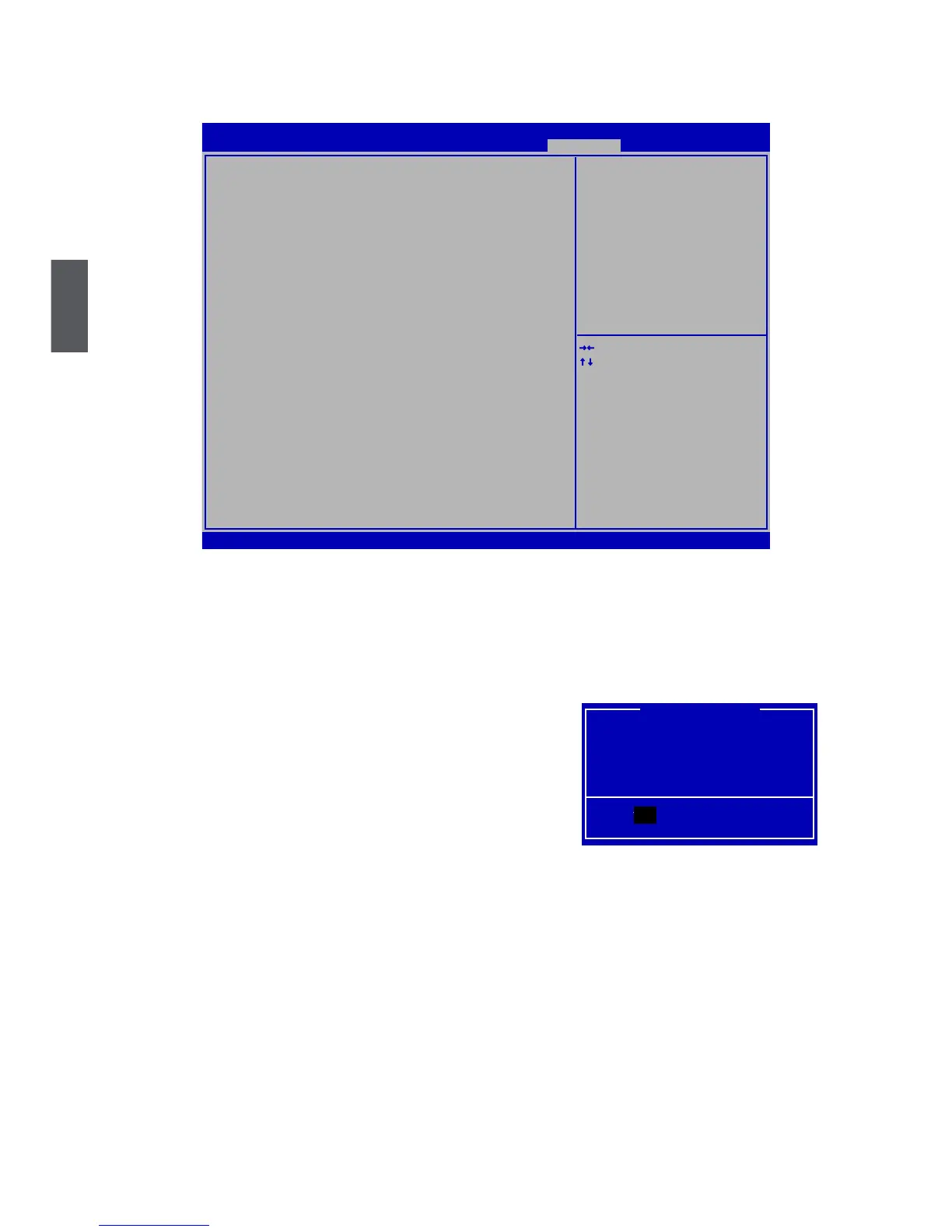
Save & Exit
Version 2.13.1216. Copyright (C) 2011 American Megatrends, Inc.
Aptio Setup Utility - Copyright (C) 2011 American Megatrends, Inc.
Main Advanced Chipset Boot Power Health Security Save & Exit
Save & Exit
Save Changes and Reset
Discard Changes and Reset
Restore Defaults
Boot Override
→ ←: Select Screen
↑ ↓: Select Item
Enter: Select
+/-: Change Opt.
F1: General Help
F2: Previous Values
F3: Optimized Defaults
F4: Save & Exit
ESC: Exit
Reset system setup after saving
the changes.
Save & Exit
► Save Changes and Reset
If you select this option and press <Enter>, a message will be displayed in the screen.
Select [Yes] to save your changes and reset computer, select [No] or <ESC> to return to the
main menu.
Save configuration and reset?
Yes No
Save & Reset
Yes



 To Next Page