STEP A
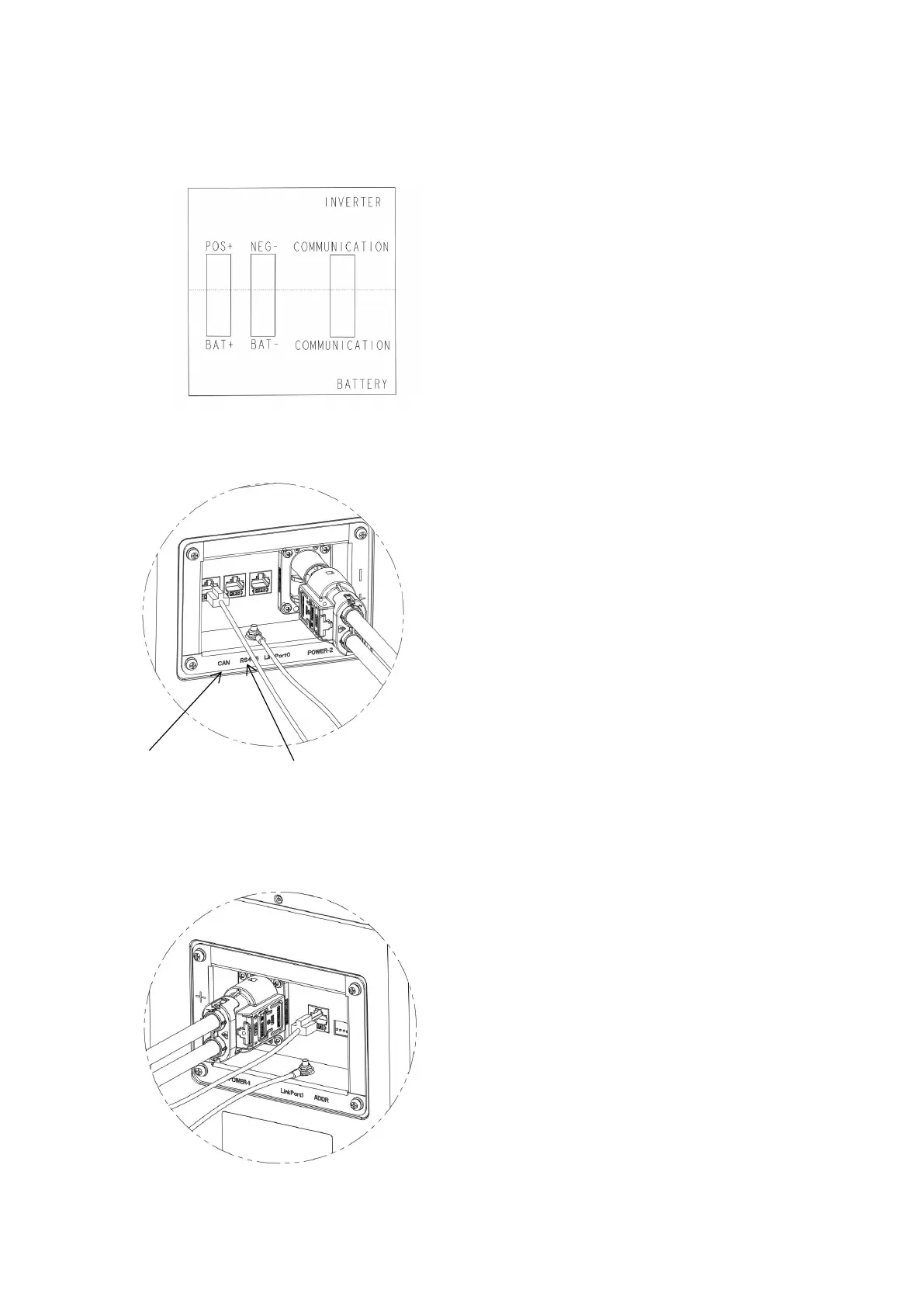
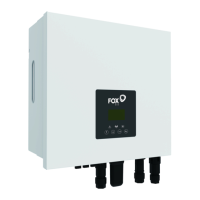
Connect BAT + to POS +, BAT – to NEG – respectively. Connect the battery communication network
cable to the lithium battery communication port of the inverter.
STEP B
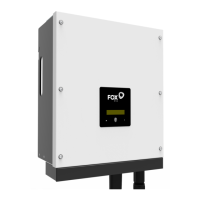
Plug the power plug into any output socket on the left or right of the battery. Connect the communication
network cable to the CAN interface of the battery, connect the ground terminal of the battery with the
ground wire, and lock the nut.
Select an interface (CAN/RS485) based on the actual inverter interface type. Please choose L-1 or L-2.
Note: Parallel multiple batteries, please refer to the following steps.
STEP C
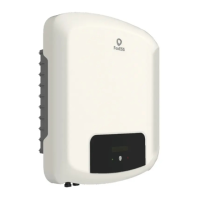
Plug the power line of the parallel battery into the remaining output socket, insert the communication line
of the parallel battery into LinkPort1, and lock the ground nut.



 To Next Page