17
NT415 EPB Service Tool Manual_English_V1.01
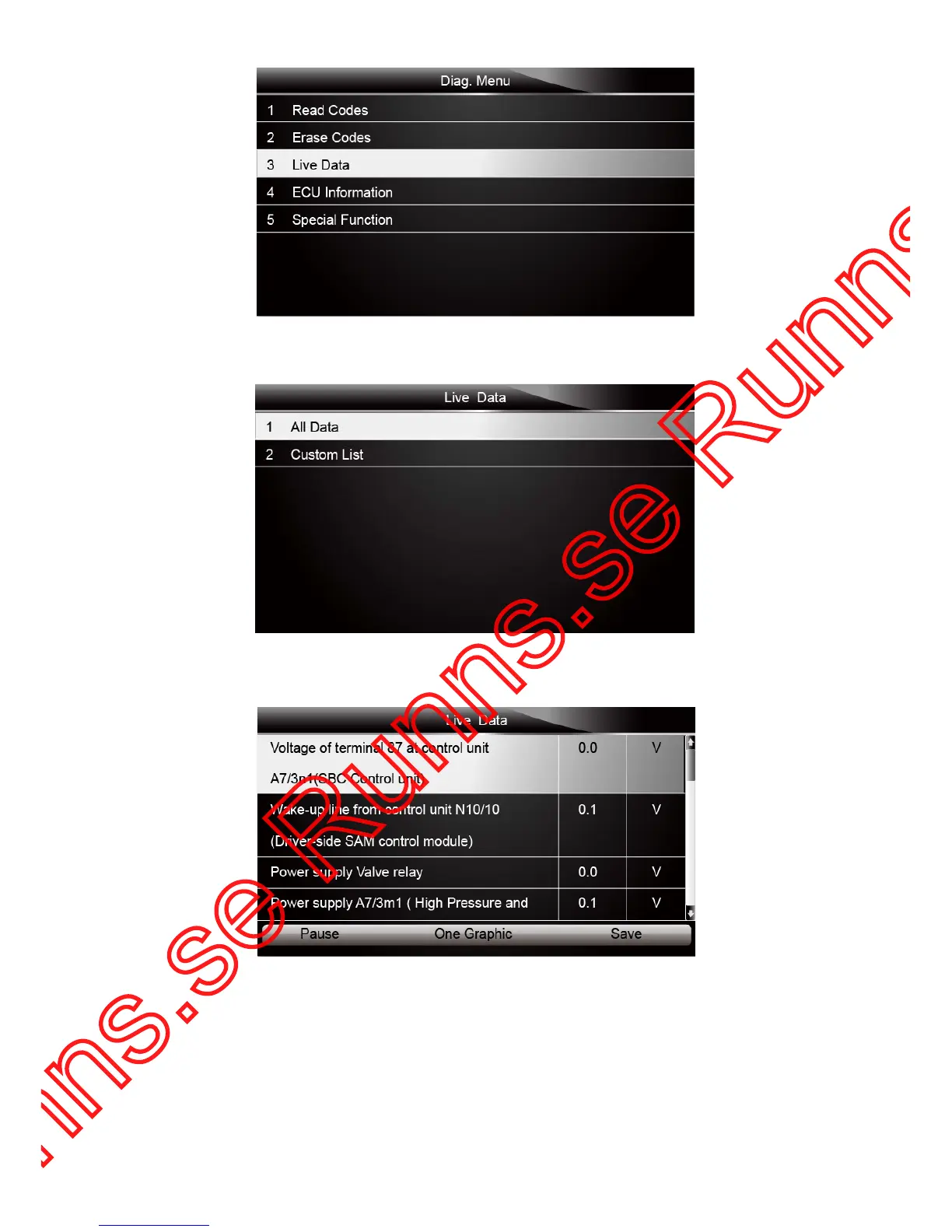
Figure 4-11 Sample Diag. Menu Screen
2. Press the ENTER key to display the live data menu.
Figure 4-12 Sample Live Data Selection Screen
3. Select the All Data from the menu and press the ENTER key to display the datastream screen.
Figure 4-13 Sample All Data Screen
4. Scroll with the up and down arrow keys to highlight a line, if the One Graphic on the bottom is
highlighted, it indicates the graphing is available for the selected line. Press the function key
One Graphic to display the PID graph.



 To Next Page