25
NT415 EPB Service Tool Manual_English_V1.01
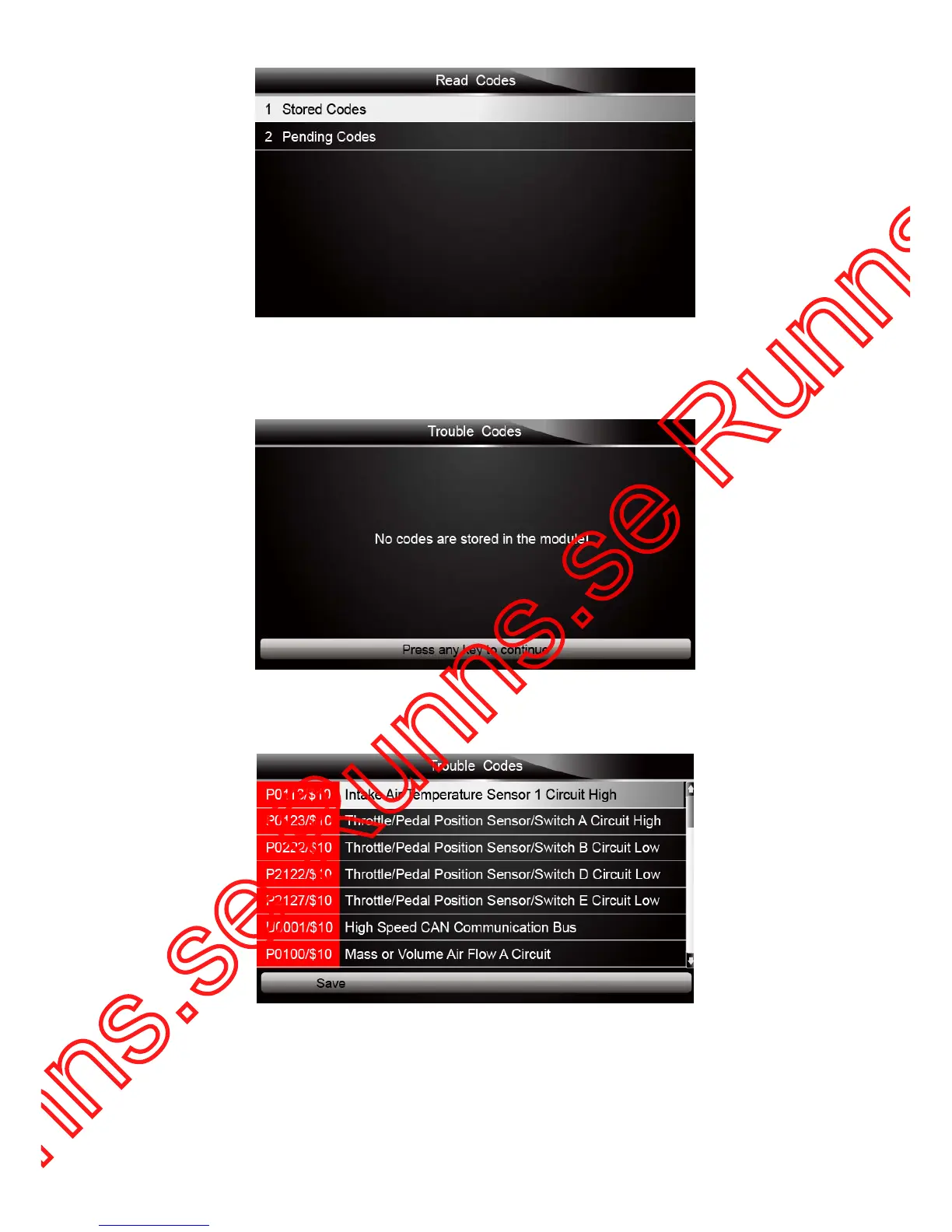
Figure 5-4 Sample Read Codes Screen
If no DTCs are present the message “No (Pending) Codes Found!” is displayed. If any
manufacturer specific or enhanced codes detected, select vehicle a make before viewing DTC
information.
Figure 5-5 Sample No Codes Screen
3. Use the up and down arrow keys to scroll through data to select lines, and left and right arrow
keys to scroll back and forth through different screens of data.
Figure 5-6 Sample Code Screen
4. Press function key Save to store DTC information. Or use the BACK key to exit.



 To Previous Page