20
NT415 EPB Service Tool Manual_English_V1.01
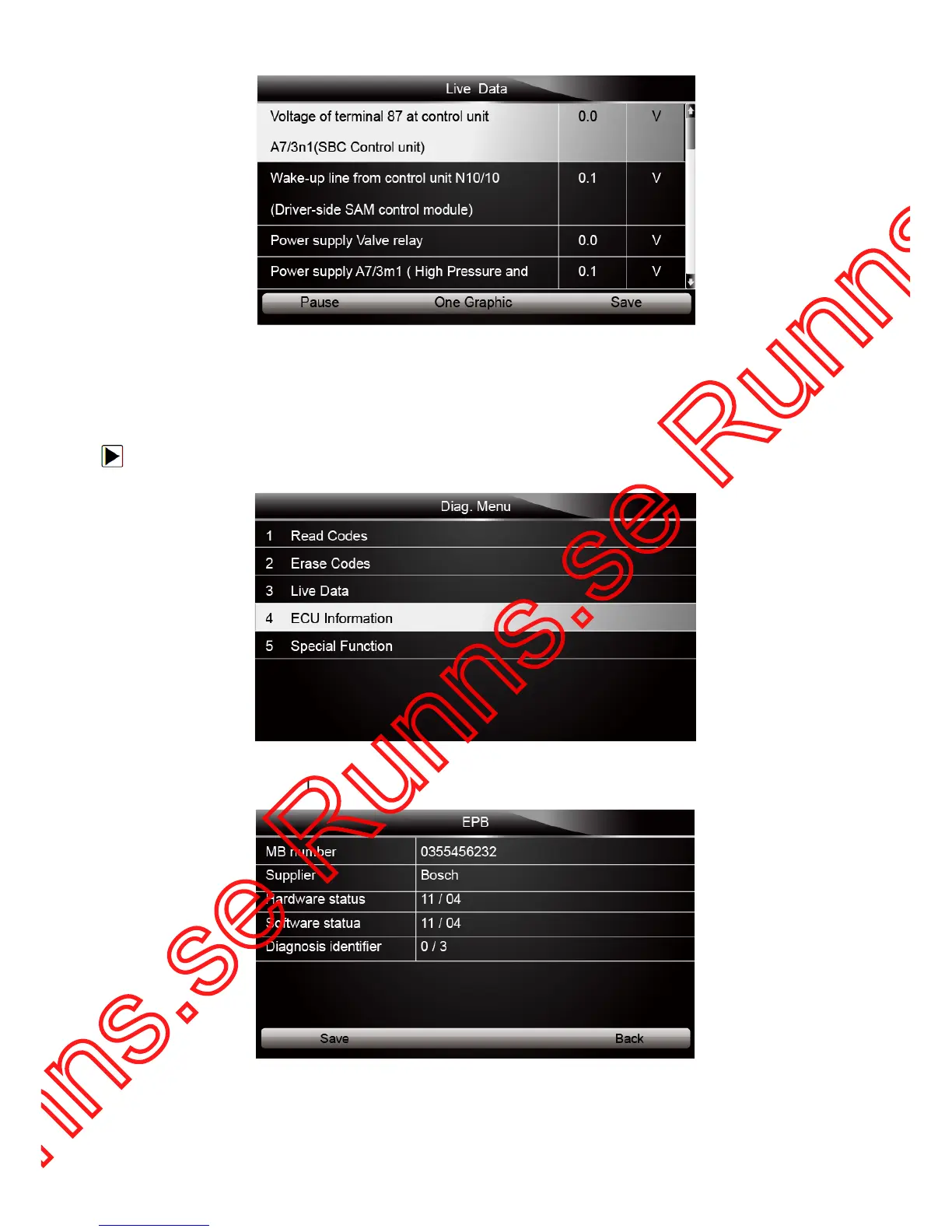
Figure 4-19 Sample Datastream Screen
4.2.4 ECU Information
ECU Information screen displays the identification data of the control module under test, such as
the control module identification string and the control module coding.
To read ECU information:
1. Select ECU Information from Diag. menu and press the ENTER key.
Figure 4-20 Sample Function Menu Screen
2. A screen with detailed information of the selected control module displays.
Figure 4-21 Sample ECU Information Screen
3. Press function key Save to store ECU information. Or use the BACK key to exit.



 To Next Page