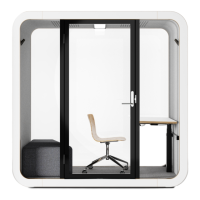
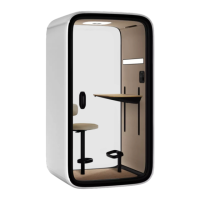
Framery Four
3.6.2 Route the AC power cord through the roof.............................................. 41
3.6.3 Install the LAN cord (optional)..................................................................42
3.7 Install the add-on rails..........................................................................................42
3.8 Install the occupancy lights.................................................................................. 43
4 Door.............................................................................................................44
4.1 Install the door......................................................................................................44
4.2 Install the door handle..........................................................................................45
4.3 Inspect the door................................................................................................... 45
4.4 Adjust the closing speed of the door................................................................... 46
4.5 Change the door handedness (optional)..............................................................47
5 Interior.........................................................................................................51
5.1 Install the wall acoustic panels............................................................................ 51
5.2 Install the roof acoustic panels............................................................................ 51
5.3 Install the ceiling interior panels...........................................................................52
5.4 Install the wall interior panels...............................................................................53
5.5 Install the lights.................................................................................................... 53
5.6 Install the carpet and table leg.............................................................................54
5.7 Install the cable channels.....................................................................................57
5.8 Install the kickboards............................................................................................58
5.9 Install the gaskets................................................................................................ 58
5.9.1 Check the interior panel alignment.......................................................... 60
5.10 Install the threshold............................................................................................ 60
5.11 Install the table top............................................................................................. 61
5.11.1 Install the monitor arm (optional)............................................................62
5.12 Install the touch screen holder and touch screen.............................................. 62
5.13 Assemble the sofas............................................................................................ 65
6 Finalize the installation............................................................................. 66
6.1 Prepare the pod for use.......................................................................................66
6.2 Fill out the installation report in the Service Tool app.......................................... 66


 To Next Page