Framery Four
6 Finalize the installation
6.1 Prepare the pod for use
1. Clean the glasses with window cleaner.
2. Connect the pod to a power outlet and connect the LAN cable.
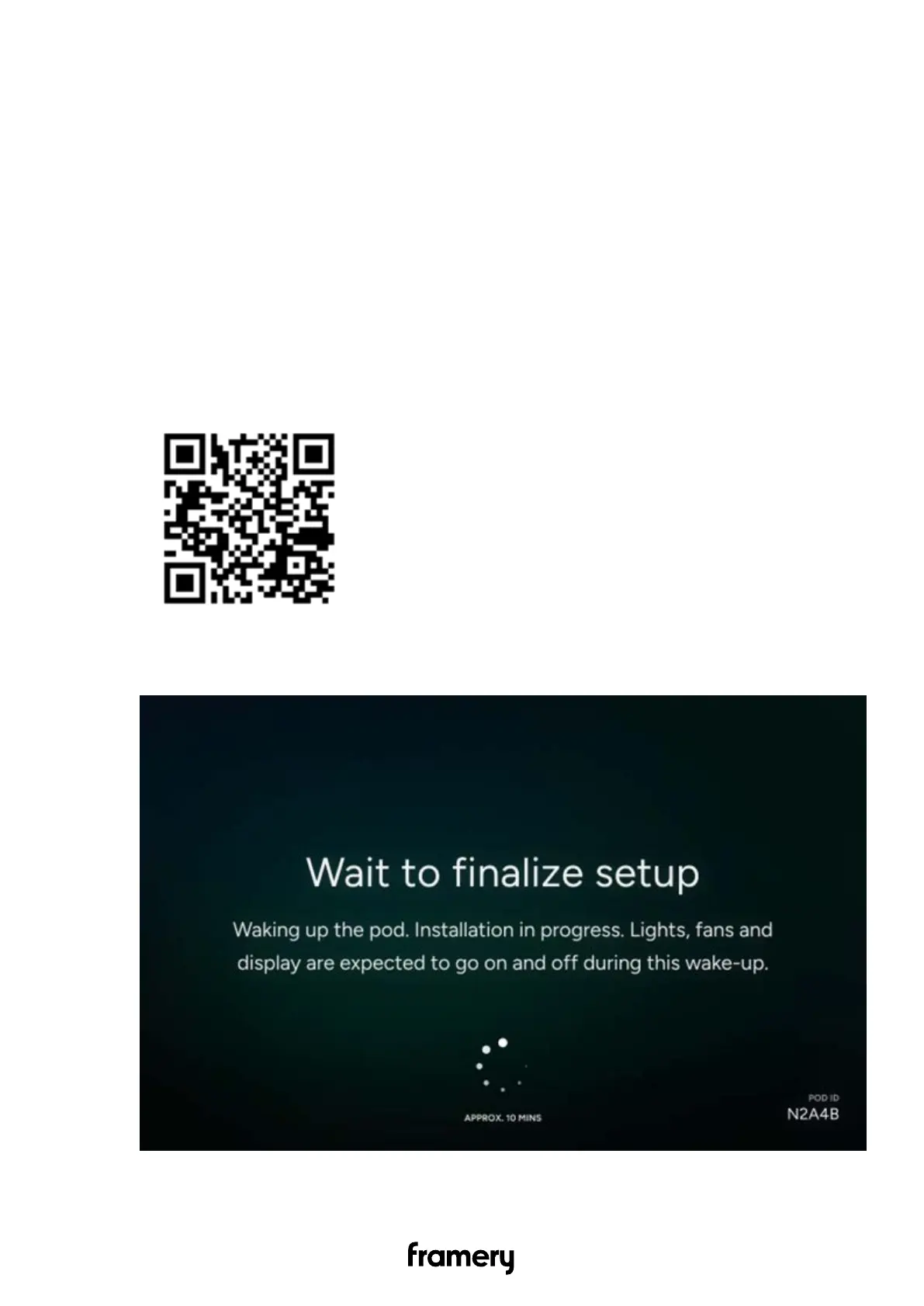
3. Perform the commissioning according to the instructions on the touch screen.
6.2 Fill out the installation report in the Service Tool app
1. Open the front page of Service Tool either through the QR code or typing
service.frameryacoustics.com to your web browser.
2. Enter the POD ID.
The ID is displayed on the touch screen during Pod setup.
66
Installation instructions
info@frameryacoustics.com


 To Next Page