錯誤! 使用 [常用] 索引標籤將 Heading 1 套用到您想要在此處顯示的文字。 12
1. Press and hold the Power button to power on your R910.
Your device's Wi-Fi function activates and automatically connects to the Internet.
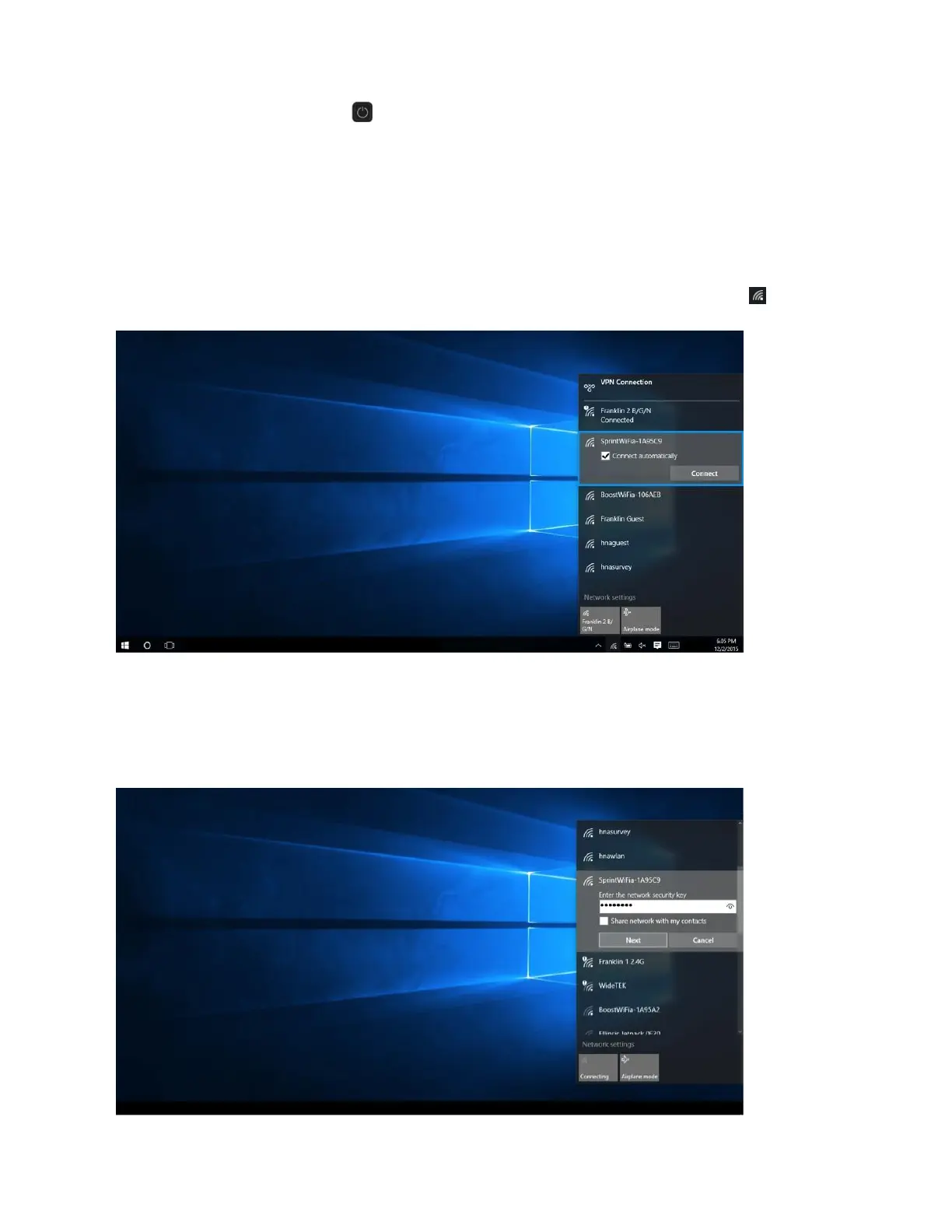
2. Activate your PC's Wi-Fi function.
The operations depicted are based on Window 10.
For other Window versions, consult your PC's operation manual for details on activating Wi-Fi.
3. On your PC, move the cursor to the upper-right or lower-right corner and select WLAN icon
Select your device's Wi-Fi Name (SSID) from the list, and click Connect.
4. Enter the Wi-Fi password and then click Next.



 To Next Page