錯誤! 使用 [常用] 索引標籤將 Heading 1 套用到您想要在此處顯示的文字。 23
Home
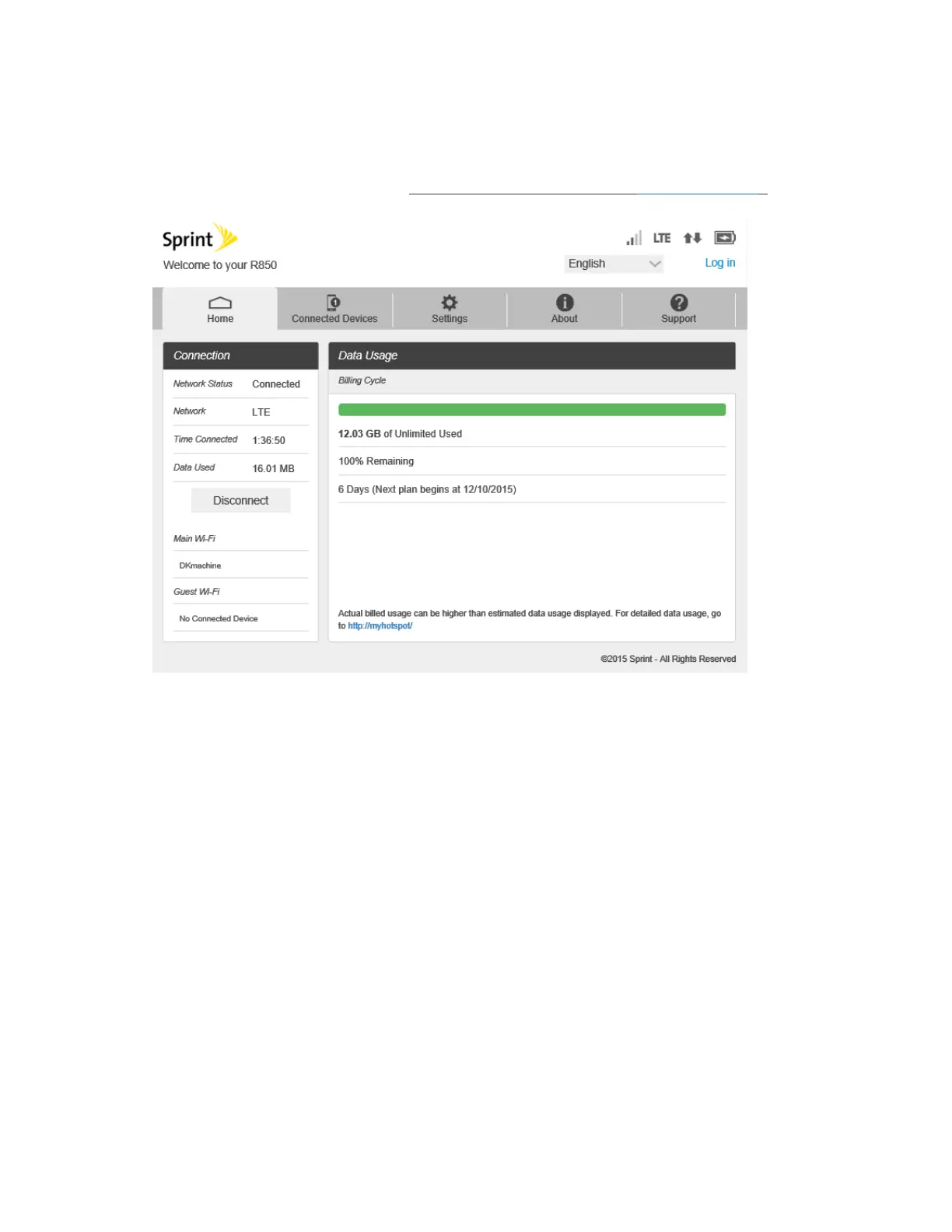
Check current status of network connection and data usage on the Home page.
■ From the Web UI, click the Home tab. (For connection information, see Web UI Overview.)
Connection
The Connection Status display Network Status, LTE Status, Connection time, current Data Used and
Connect control button. Also Wi-Fi connected devices name.
Data Usage
The Data Usage page allows you to obtain data usage and billing cycle information for your mobile
broadband plan. Home display the Data Usage page and access information specific to your particular plan.



 To Next Page