錯誤! 使用 [常用] 索引標籤將 Heading 1 套用到您想要在此處顯示的文字。 13
The PC connects to your device. The connected status icon on your device will show an
additional device has been connected.
Connect Mac Computers with Wi-Fi
Follow the instructions below to connect a Mac computer to your device via Wi-Fi.
Note: The operations depicted are based on Mac OS X 10.10.5
1. Press and hold the Power button to power on your R910.
Your device's Wi-Fi function activates and automatically connects to the Internet.
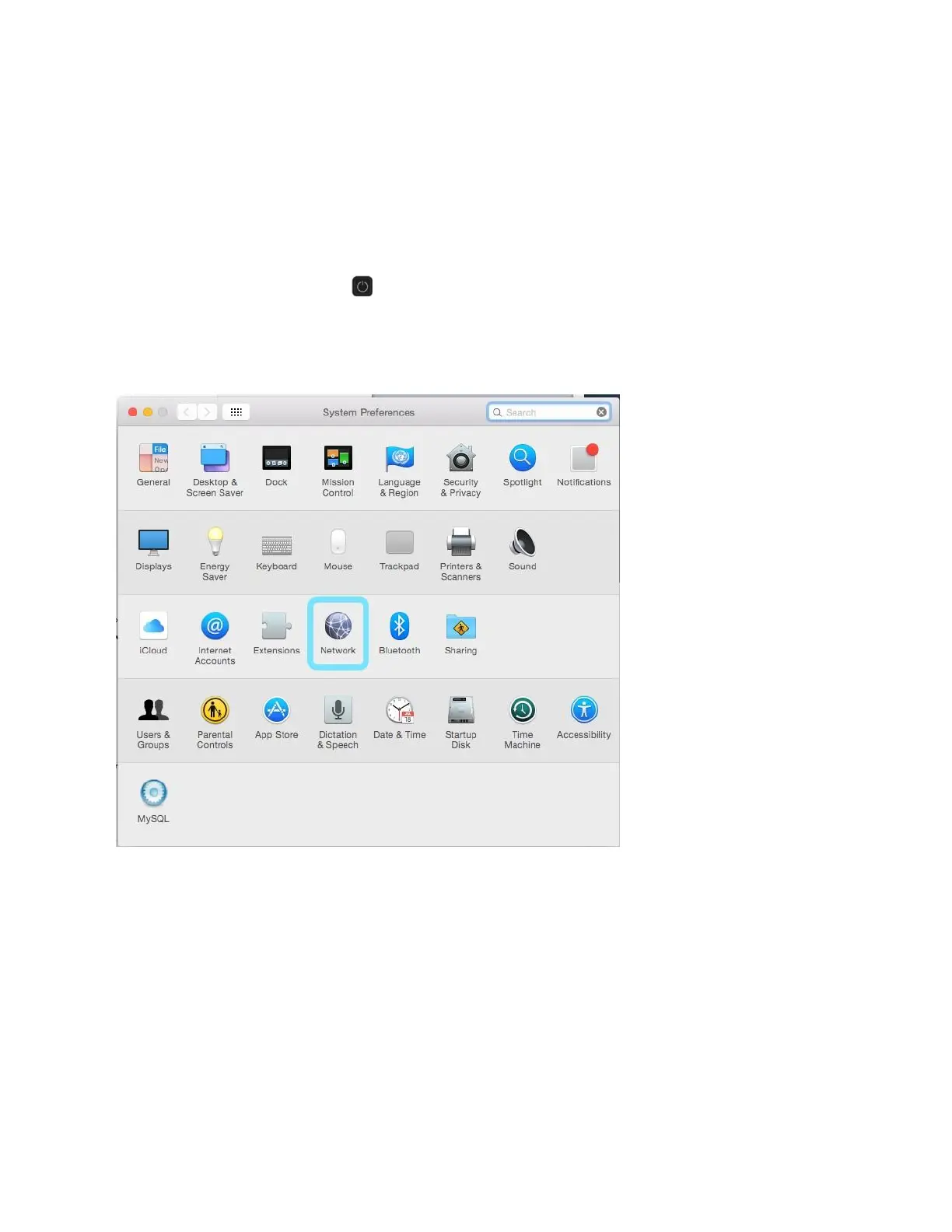
2. On your Mac, in the Apple menu, click System Preferences… > Network.



 To Next Page