錯誤! 使用 [常用] 索引標籤將 Heading 1 套用到您想要在此處顯示的文字。 25
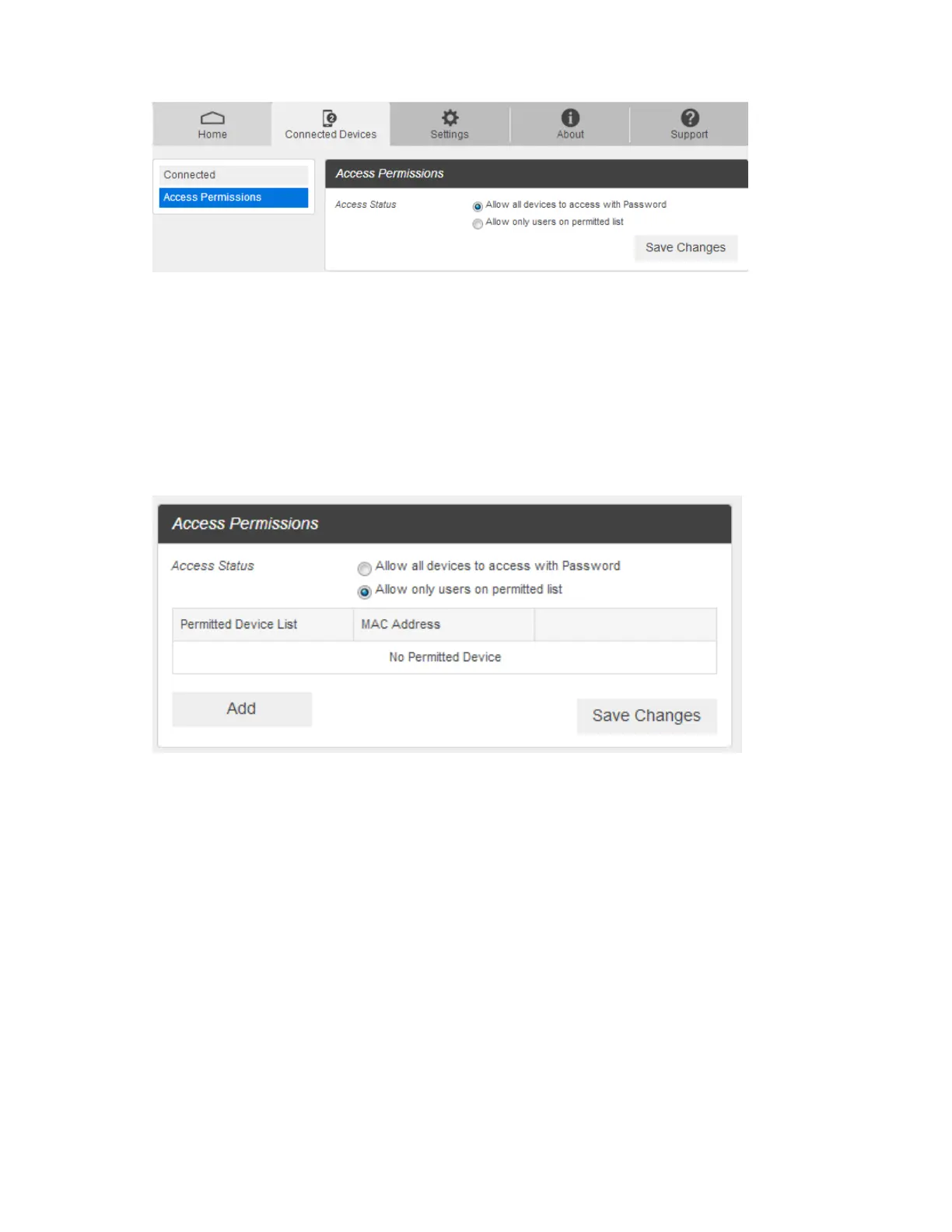
2. Select an access status and then click Save Changes.
Add Permitted Devices
The Access Permissions menu allows you to restrict access only to specific users, instead of anyone who
enters the password. To restrict access in this manner, you need to add permitted users from the menu.
3. From the Access Permissions menu, select Allow only users on Permitted list.
The Add Devices option will appear onscreen.
4. Click > next to Add Devices to open the Add Devices menu, and then click Add More.
5. Enter a Friendly Name (optional) and the MAC address of the permitted device.
A sample MAC address might be 00:1D:0F:10:2D:D9.



 To Next Page