錯誤! 使用 [常用] 索引標籤將 Heading 1 套用到您想要在此處顯示的文字。 36
Device
The Device settings menu lets you set display brightness, manage account password, update software, back
up, restore and check system log.
Preferences
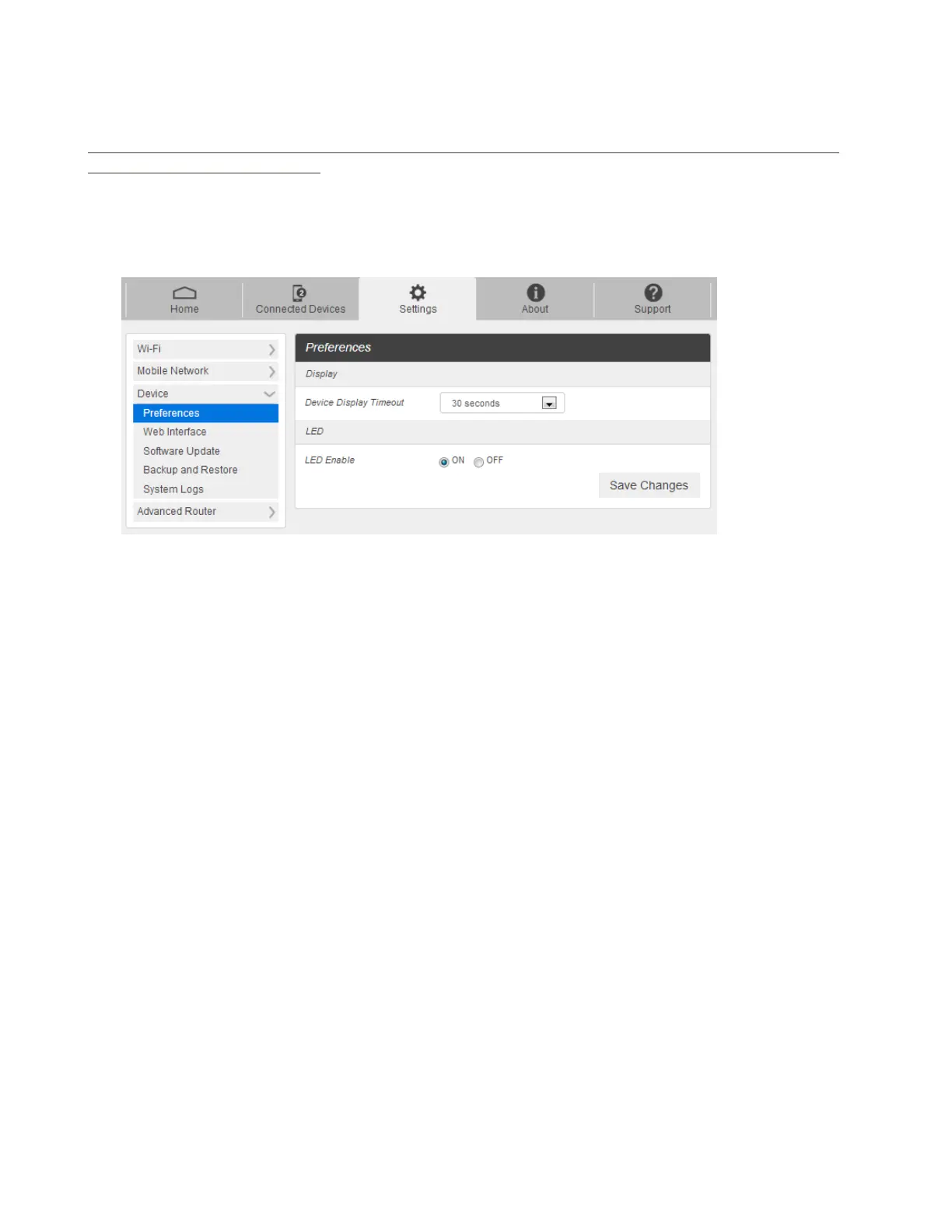
1. From the Web UI, click Settings > Device > Preferences. You can set the display timeout on this page.
Display Timeout: Select a timeout time from the drop-down list. Your R910 display turns off
after this timeout period if there is no menu button action.
LED Enable: If ON is selected, the LED indicator next to Your R910 display will blink when the
device is on. This LED is a power indicator that shows the device is on when the device display
is off.
2. Click Save Changes to save your settings.
Web Interface
1. From the Web UI, click Settings > Device > Web Interface. You can manage your Web UI admin
password on this page.



 To Next Page