錯誤! 使用 [常用] 索引標籤將 Heading 1 套用到您想要在此處顯示的文字。 39
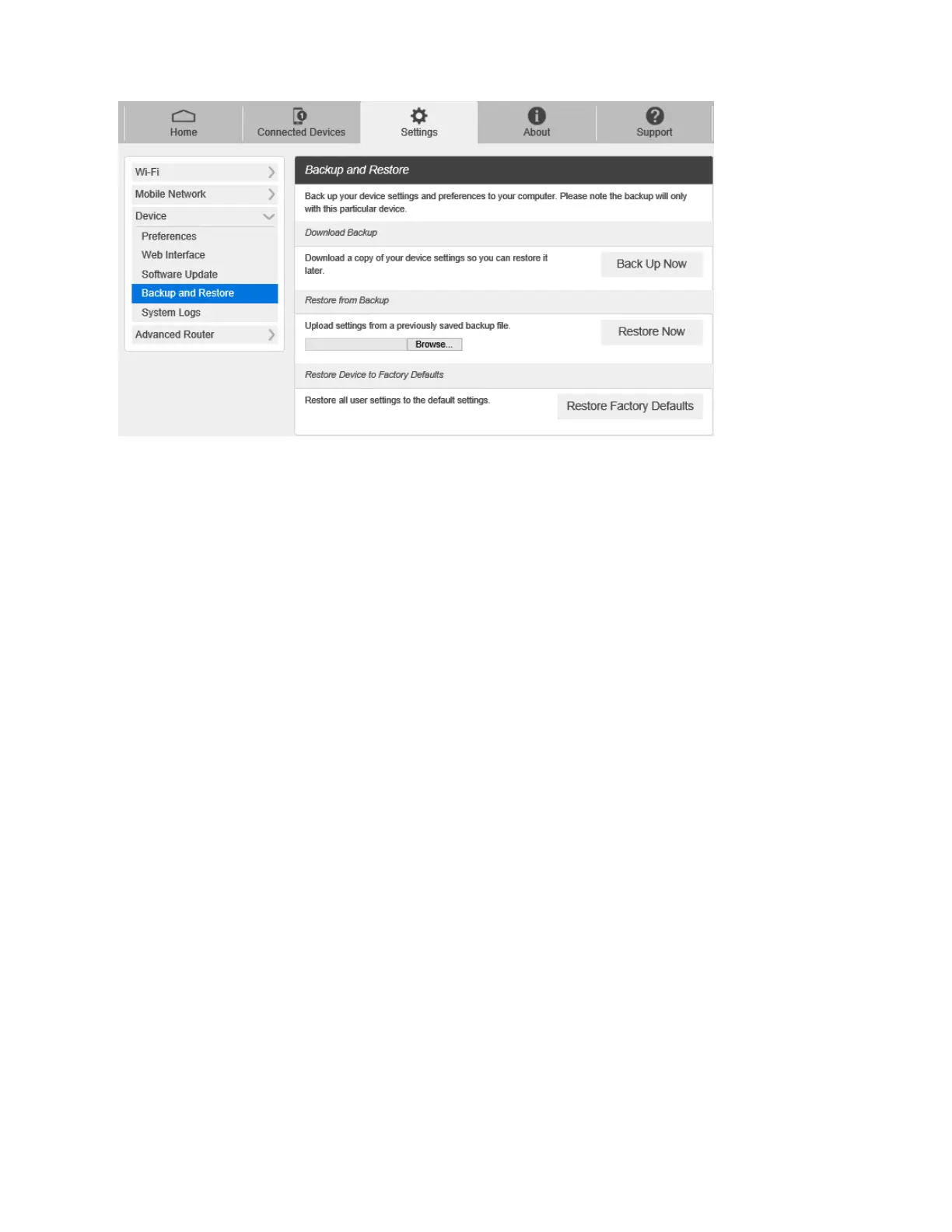
To back up your device settings to your computer, follow the steps below:
1. Click Back Up Now.
2. Click Save on the pop-up window.
3. Choose a location on your computer to save the backup file.
4. Click Save.
To restore from the backup, follow the steps below:
1. Click Select File to select the backup file in your computer.
2. Click Restore now.
To restore your device to its factory default settings, follow the steps below:
1. Click Restore factory default.
2. Click Yes to confirm the command.
System Logs
■ From the Web UI, click Settings > Device > System logs, and then click Download logs to
download the system logs on this page.



 To Next Page