10
Hotspot Manager
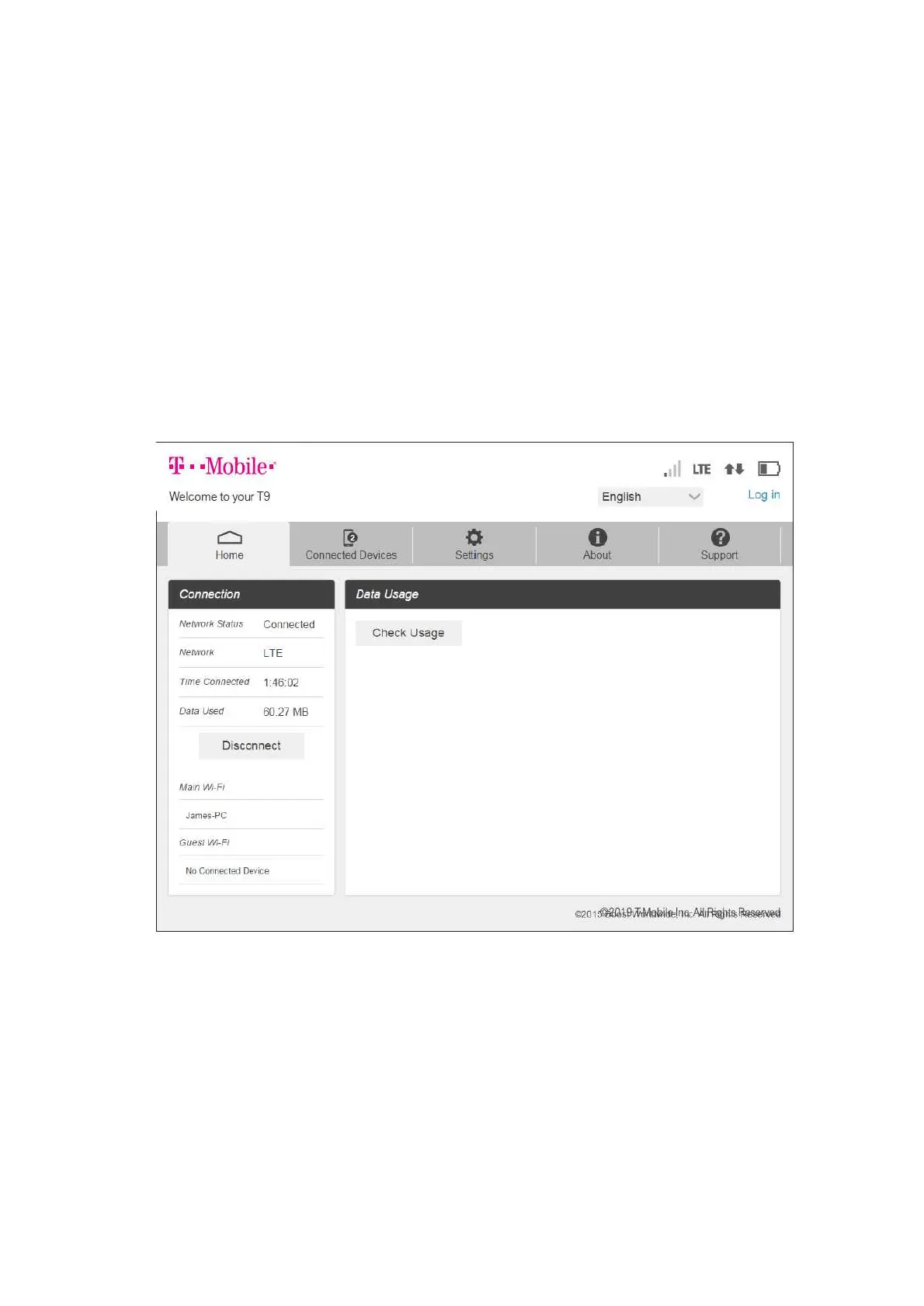
Access, monitor, and customize your device settings using the Hotspot Manager.
● Log In to the Hotspot Manager
Open a browser on a computer connected to your Hotspot.
Navigate to http://myhotspot or http://192.168.128.1.
Click Log In.
Enter your password and click Log in. You'll be taken to the Hotspot Manager home page.
Note: The default Admin password for logging in to the Hotspot Manager is password. It is
recommended that you change the password as soon as possible.



 To Next Page