12
Hotspot Settings
Configure your Hotspot's Wi-Fi, Mobile Network, Device, and Advanced Router settings.
● Configure Devices Settings
Log in to the Hotspot Manager.
Click the Settings tab.
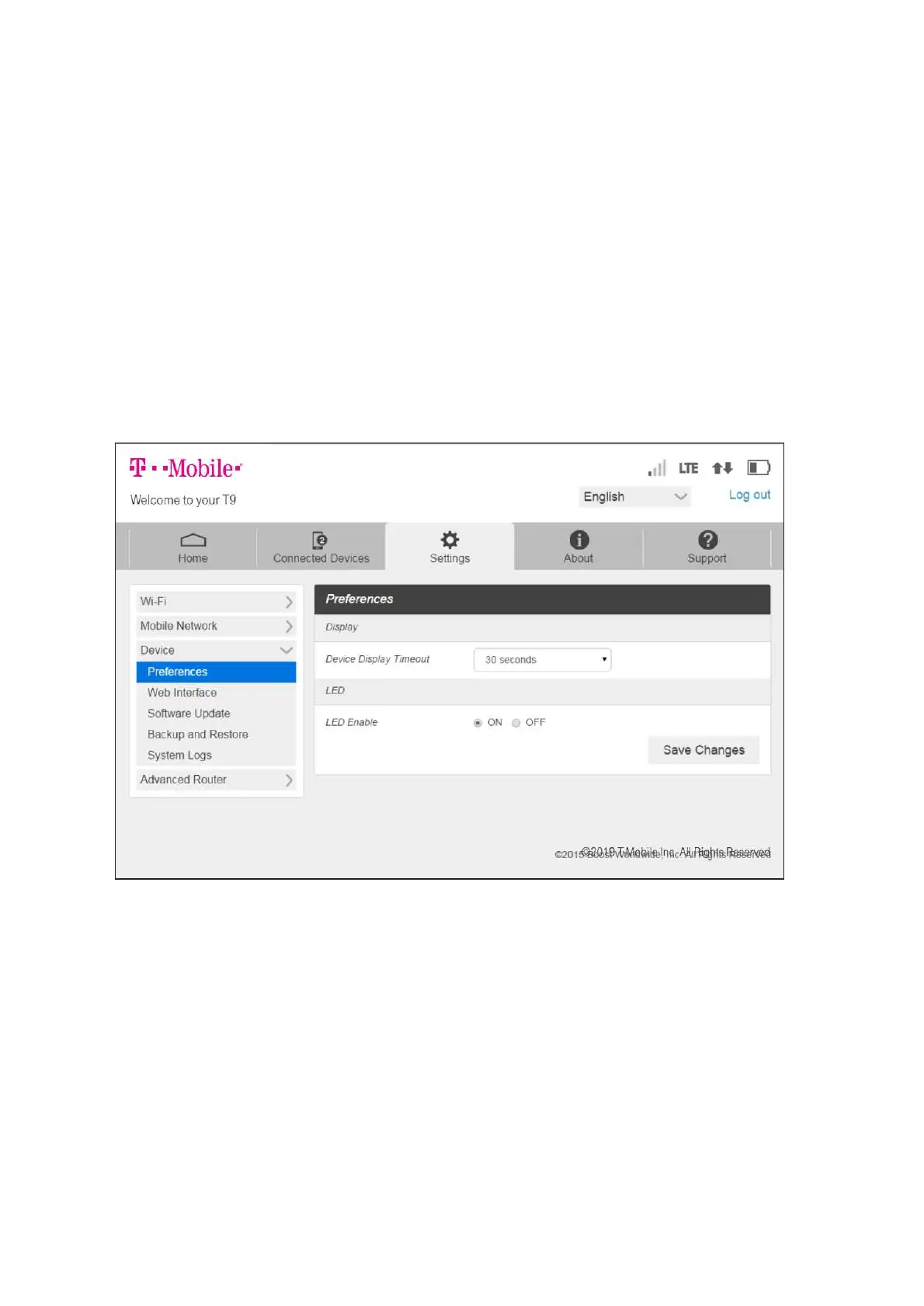
Click Device and Use the drop down menu to configure the following:
Preferences: Change your Hotspot's display timeout.
Web Interface: Change your password to log in to the Hotspot Manager.
Software Update: View and update software for your Hotspot.



 To Next Page