4
• Always follow emergency procedures to suspend service if your SIM card or device
(SIM card inserted) is lost or stolen. For details, contact Customer Service.
• Always power off the mobile broadband device before inserting or removing the SIM
card.
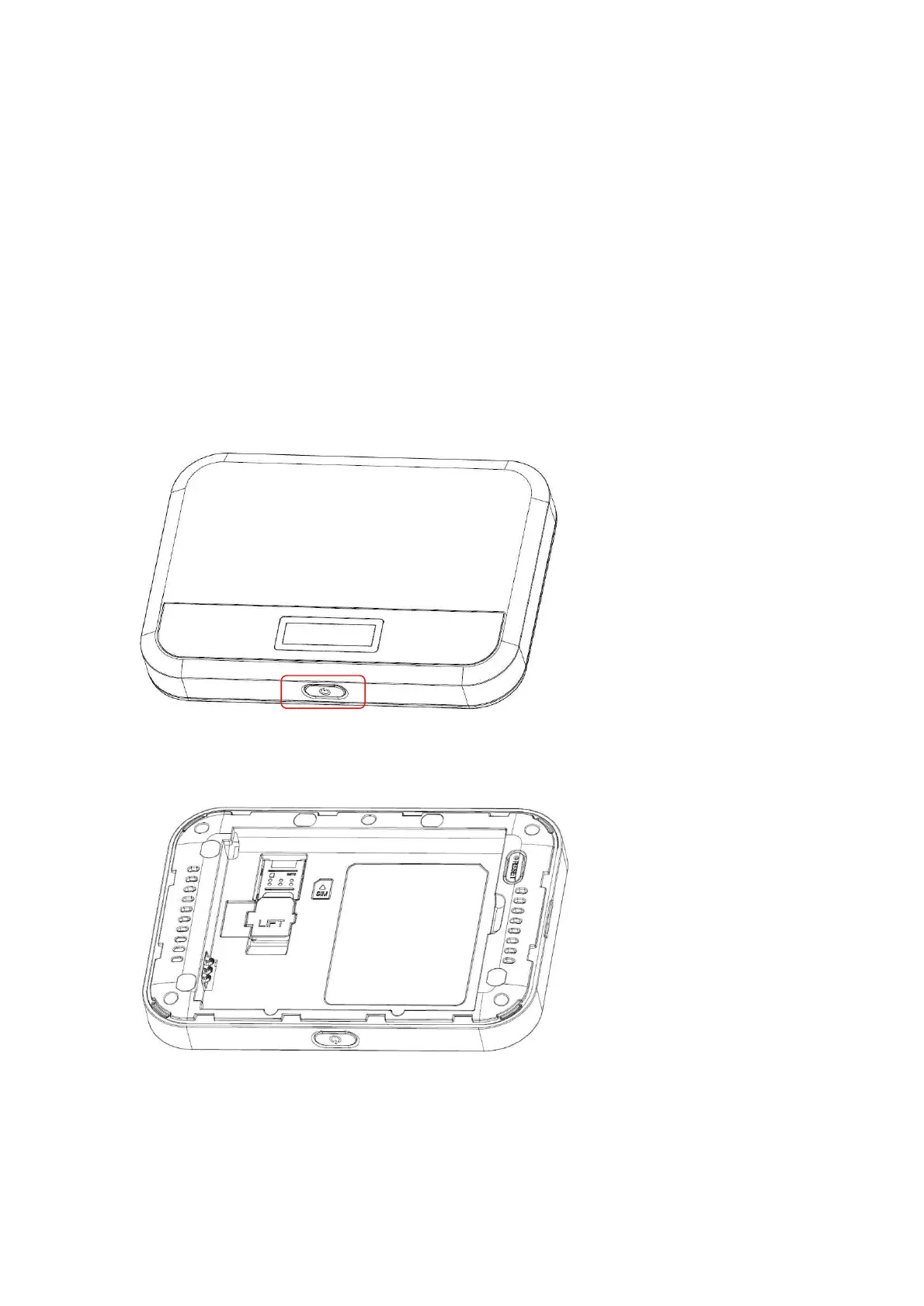
● Insert or Remove a SIM Card
Follow these instructions to insert or remove a SIM card. Remember to power off your device
before inserting or removing a SIM card.
Note: Your device's SIM card is preinstalled. These instructions are for reference only.
1. Press and hold the Power key to turn off the device before inserting or removing the SIM card.
2. Remove the battery cover



 To Next Page