13
Network Settings
Adjust your hotspot's Mobile Settings, APN, SIM, and Advanced devices settings.
● Configure Network Settings
Log in to the Hotspot Manager.
Click the Settings tab.
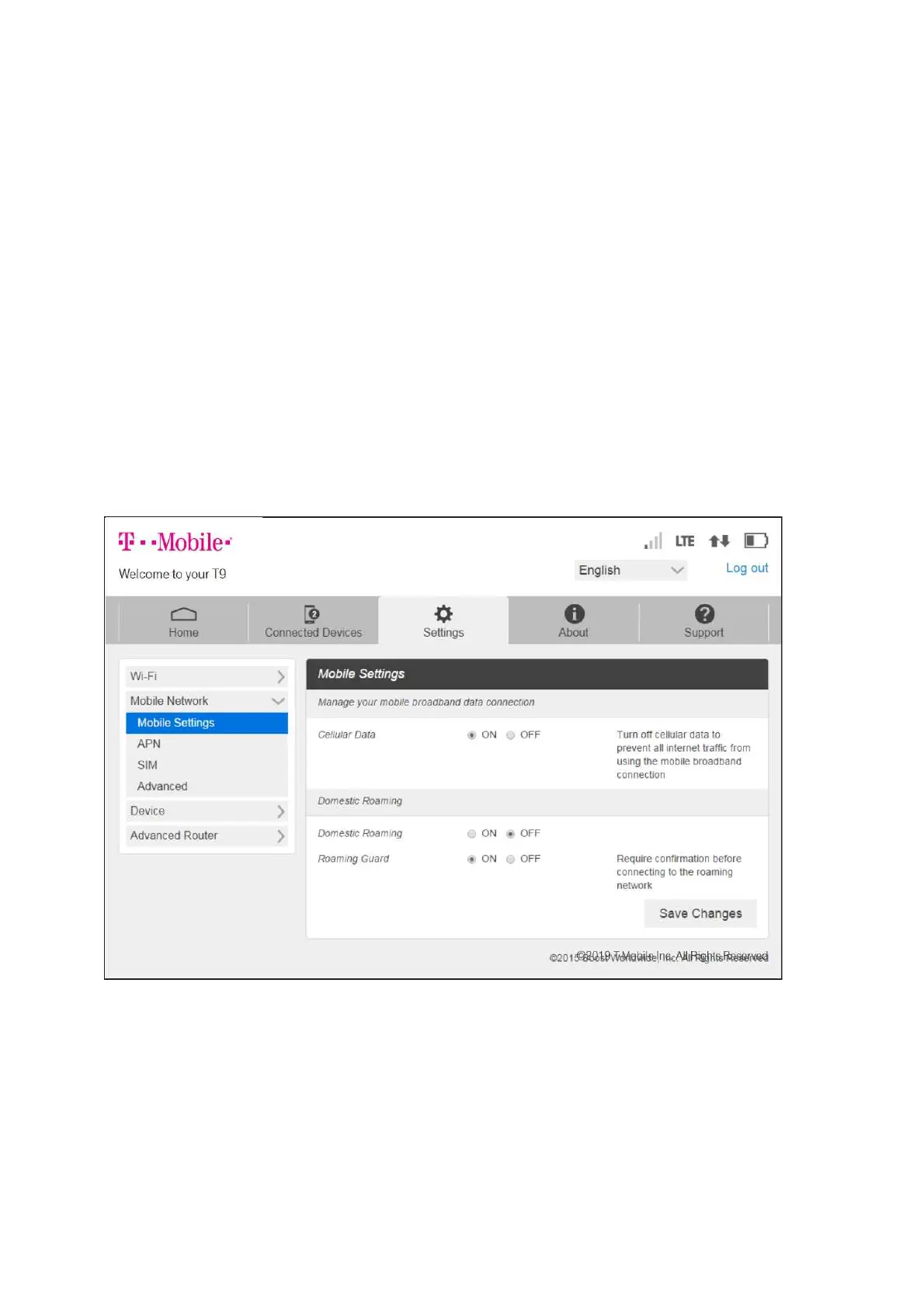
Click Mobile Network Settings and use the drop data menu to configure the following:
Mobile Settings: Manage your mobile broadband data connection and roaming
settings.
APN: View and edit APN settings.
SIM: Enable a PIN lock for the SIM card.
Advanced: Perform a factory reset, clear account information, and edit your data
profile.



 To Next Page