aPbox Manual
14
Installation
The length of the communication wire between the aGate and the aPbox should not
exceed 328 feet (100 meters).
Unboxing
Step 1 Inspect the packaging for damage.
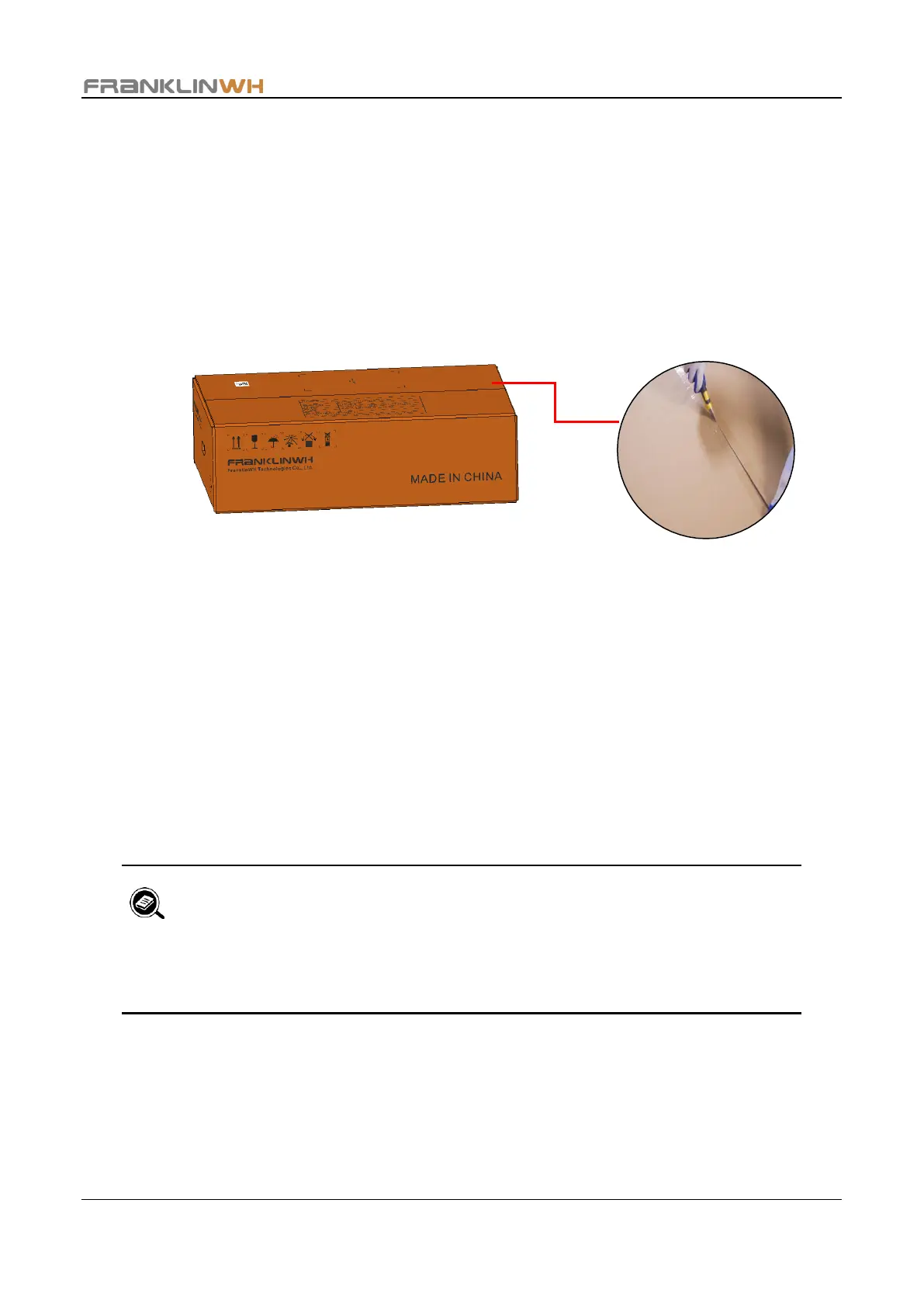
Step 2 Use a retractable utility knife to cut open the sealing tape of the package box, with the
knife blade shorter than 0.3 inch to avoid damaging the aPbox case.
Step 3 Take out the box contents and check for the following items:
• One aPbox
• One guard board
• One accessory bag including the following:
i. Four 1/4” water-tight washers
ii. Ten cable ties
iii. Two keys
Step 4 Remove the buffer foam and PE bag wrapping the aPbox.
• Save the guard board for marking the mounting holes.
• During handling and installation, make sure the aPbox is well protected to
avoid scratches or damage.


 To Next Page