
 Need help?
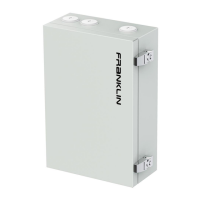
Do you have a question about the FRANKLINWH aPbox and is the answer not in the manual?
Contact for feedback and guidelines for scrapping products responsibly.
Key product information, warnings, and safety symbols used in the manual.
Crucial safety guidelines for operating and handling the aPbox equipment.
Recommendations for keeping the aPbox clean, clear, and in a suitable environment.
Steps for checking equipment status via the mobile app and contacting professionals for repairs.
Technical details including electrical, mechanical, and environmental parameters for the RC65.
Technical details including electrical, mechanical, and environmental parameters for the RM65.
Explains using RC65 for PV systems on the load side of the FHP due to constraints.
Lists necessary tools and safety equipment for aPbox installation.
Guidelines and table for connecting grid and PV system conductors to TB1 and TB2 terminals.
Wiring diagram for connecting one RC65/RM65 unit to an aGate via RS485 and DO terminals.
Steps to log in to the installer account and navigate to aPbox settings for configuration.
 General
| Brand | FRANKLINWH |
|---|---|
| Model | aPbox |
| Category | Industrial Equipment |
| Language | English |

 To Next Page