aPbox Manual
21
Follow the steps to make AC Power Connections:
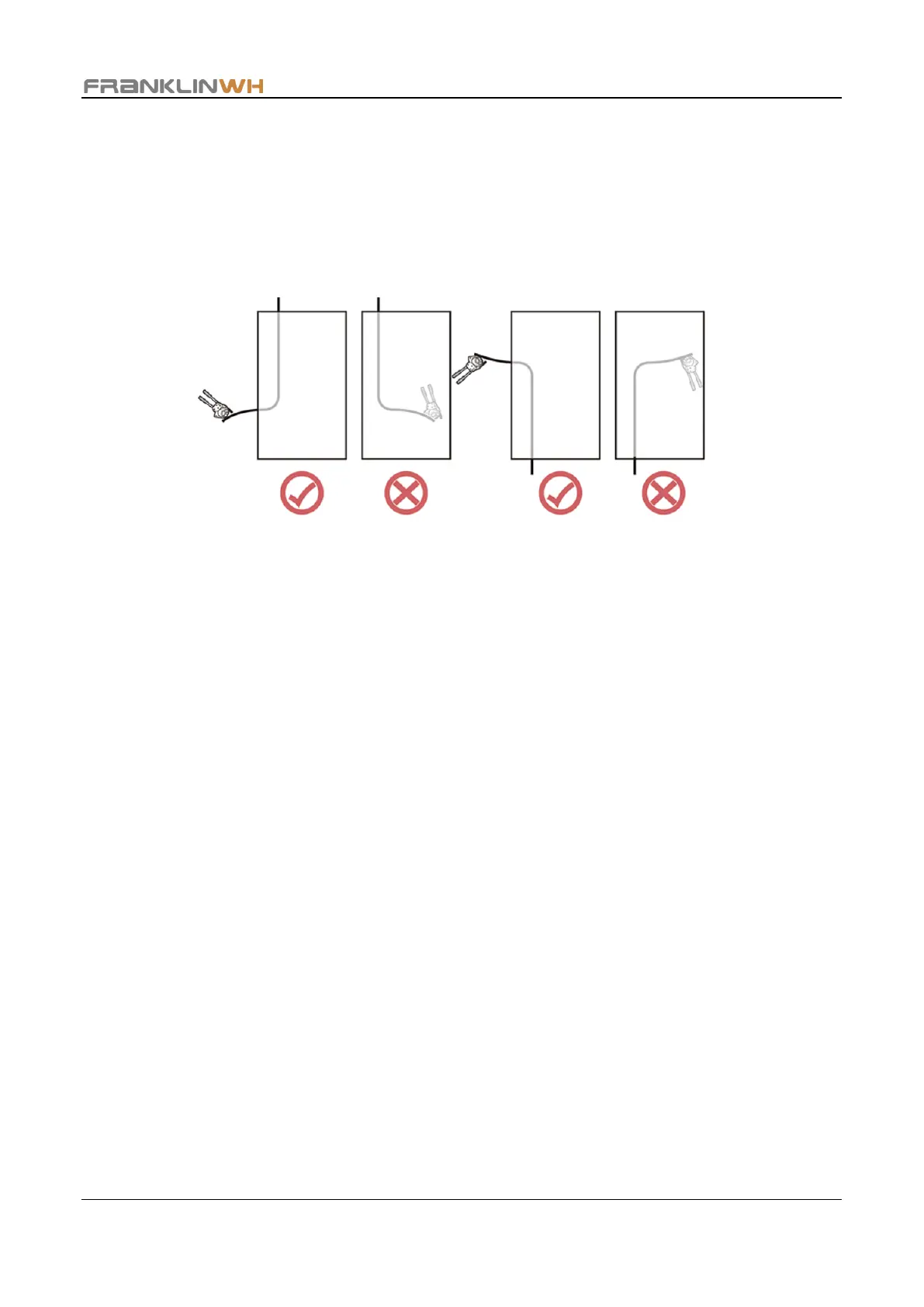
Step 1 Run the grid (or an equivalent AC power source) wires and PV wires through the cable
entry holes on the aPbox and pull them into the aPbox enclosure. Mark an appropriate
length for later stripping.
Step 2 Bring the wires out of the aPbox enclosure, cut off the wires from the marker point and
strip the ends according to Table 1.


 To Next Page