Step 2: Please ensure that the mobile phone turns on Bluetooth mode and
connected to the WIFI network;
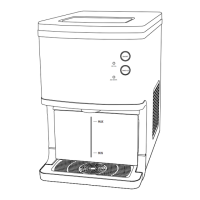
Step 3: Press the button and the button of the ice maker at the
same time, the two buttons flash alternately, and enter the
automatic network connection;
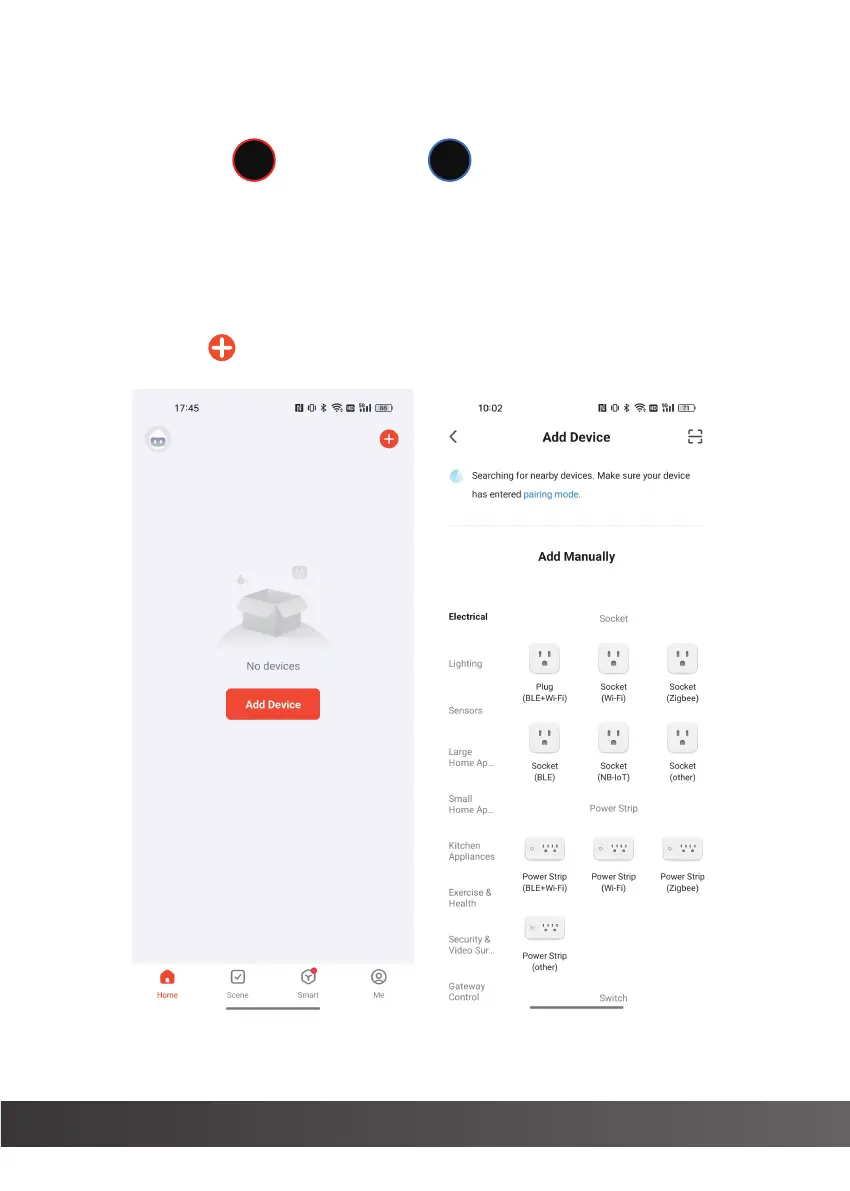
Step 4: Open the SMART LIFE APP, enter the home page (Figure 1), the main
page displays Add Device, click Add Device or click the upper right
corner to enter the device matching (Figure 2);
14
ON/OFF
TAKE ICE
(Figure 1) (Figure 2)


 To Next Page