CONFIGURATION
BUTTON
11
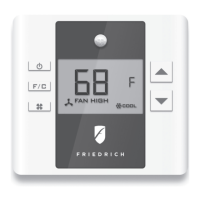
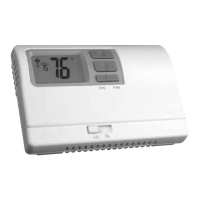
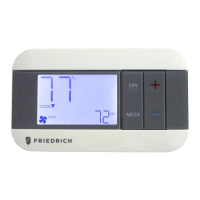
Thermostat Conguration
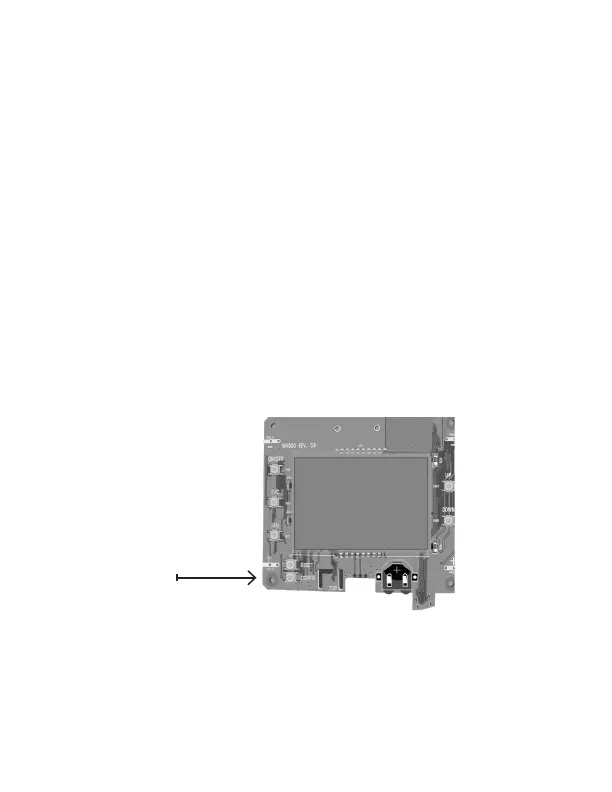
Once the thermostat is powered, thermostat conguration settings will appear on
the thermostat screen.
In order to properly operate the PTAC/Vert-I-Pak unit:
➤ Set the thermostat clock;
➤ Enter the room number;
➤ Congure the equipment settings;
➤ Select Energy Savings Preset;
The thermostat conguration screens have a 3-minute time-out. If no action is
taken within three (3) minutes, the thermostat will exit conguration settings.
NOTE: If the thermostat is connected to a network, the equipment settings
congured on the thermostat will be ignored and the thermostat settings
congured through the network will be applied.


 To Next Page