6 7
Standard Filter Cleaning / Installation Instructions
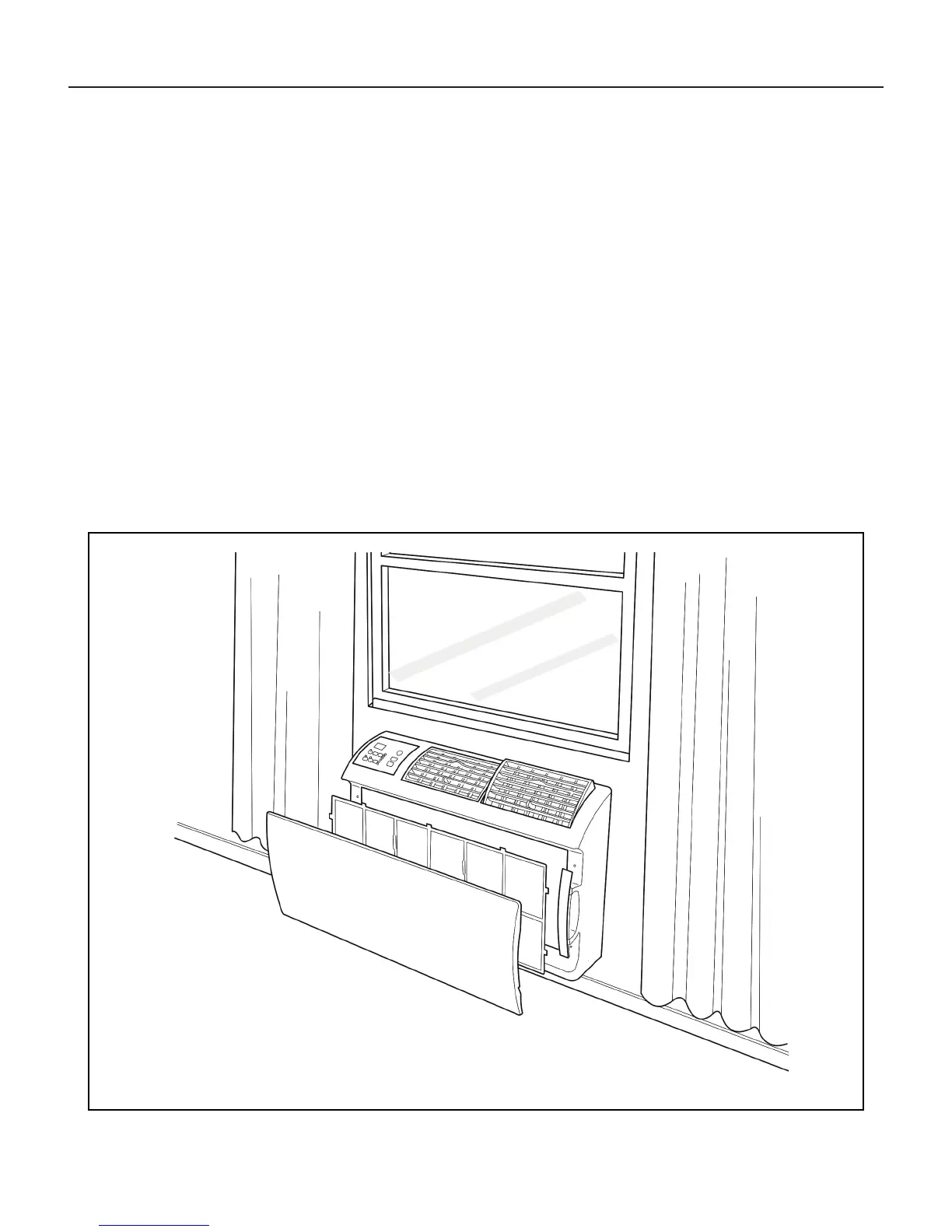
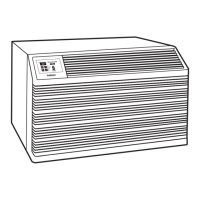
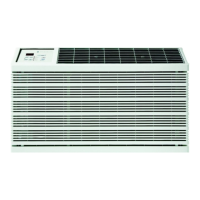
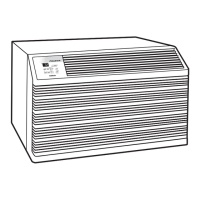
Figure 2
FRR071
HOW TO CLEAN YOUR AIR FILTER
Your Friedrich room air conditioner is equipped with a permanent/ washable mesh air lter. The lter serves to remove dust, pollen, and other impurities
from the air.
CHECK FILTER LIGHT
Your Friedrich room air conditioner is equipped with a check lter light that will illuminate after *45 – 60 days of fan operation.
To reset the CHECK FILTER reminder press the CHECK FILTER button. (While the reminder is set for 45 – 60 days of operation, we recommend checking
the lter every 30 days for optimal performance.)
*Actual timer is set for 1000 hours of fan cycle operation.
FILTER ACCESS
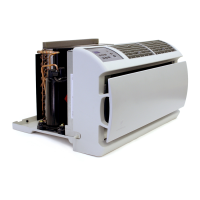
Remove the FRONT PANEL. Using the handles, pull panel out until it is released from the two retaining snaps. Place the cover aside carefully. Remove the
lter by pulling it from the handles releasing it from the slots on the frame. Wash the lter with water to remove all dust and then rinse, remove water excess
and let it dry – do not twist – then replace the lter by inserting each tab in their respective slot.
Replace the FRONT PANEL by positioning one of the sides in the snaps of the handle rst and then the other side, make sure that both snaps are correctly
aligned and the logo is in the right position.



 To Next Page