Chapter 2
Page 19
2.4 Set Country and Perform One Time Calibration
The one time calibration process is simple and the Robomower is designed to ask you to perform this
step before it can ever be used in the automatic mode.
• Remove the Manual Controller
• Drive the Robomower to a flat and level section of the lawn, at least 4 feet (1.2 m) from the
perimeter wire
• Insert the Manual Controller in the pocket and pivot it down flush
• Turn on the Perimeter Switch
• Press the ‘GO’ button once. ‘Set Country’ will display, press the ‘GO’ button again
• Using the arrow buttons, scroll to the country where you are located
• Press ‘GO’ again
• Press ‘GO’ once more. ‘Calibration Req’ will display, press the ‘GO’ button again.
• The Robomower will rotate in several circles while calibrating, pausing from time to time for
several seconds.
• When ‘Test Passed Press C’ is displayed, calibration is complete. Press ‘C’ and the
Robomower is ready to mow in automatic.
Note:
If the calibration was not successful, the display will read ‘Restart Elsewhere’. Drive the
Robomower to another flat and level surface within the lawn, at least 10-15 feet (3 – 4.5 M) from
the first spot and repeat the calibration process as outlined above.
Chapter 2
Page 26
2.5 Testing Wire Position for Edge Mowing
As mentioned in Chapter 1, it is best to test the position of the perimeter wire on edge mowing to
determine if any small adjustments need to be made to the wire position before driving the rest of the
wire pegs into place. Remove the Manual Controller from the pocket and follow the steps in Figure
2.10 to turn off the mowing blades for this test. Repeat this process to turn the blades back on once
you have completed this test.
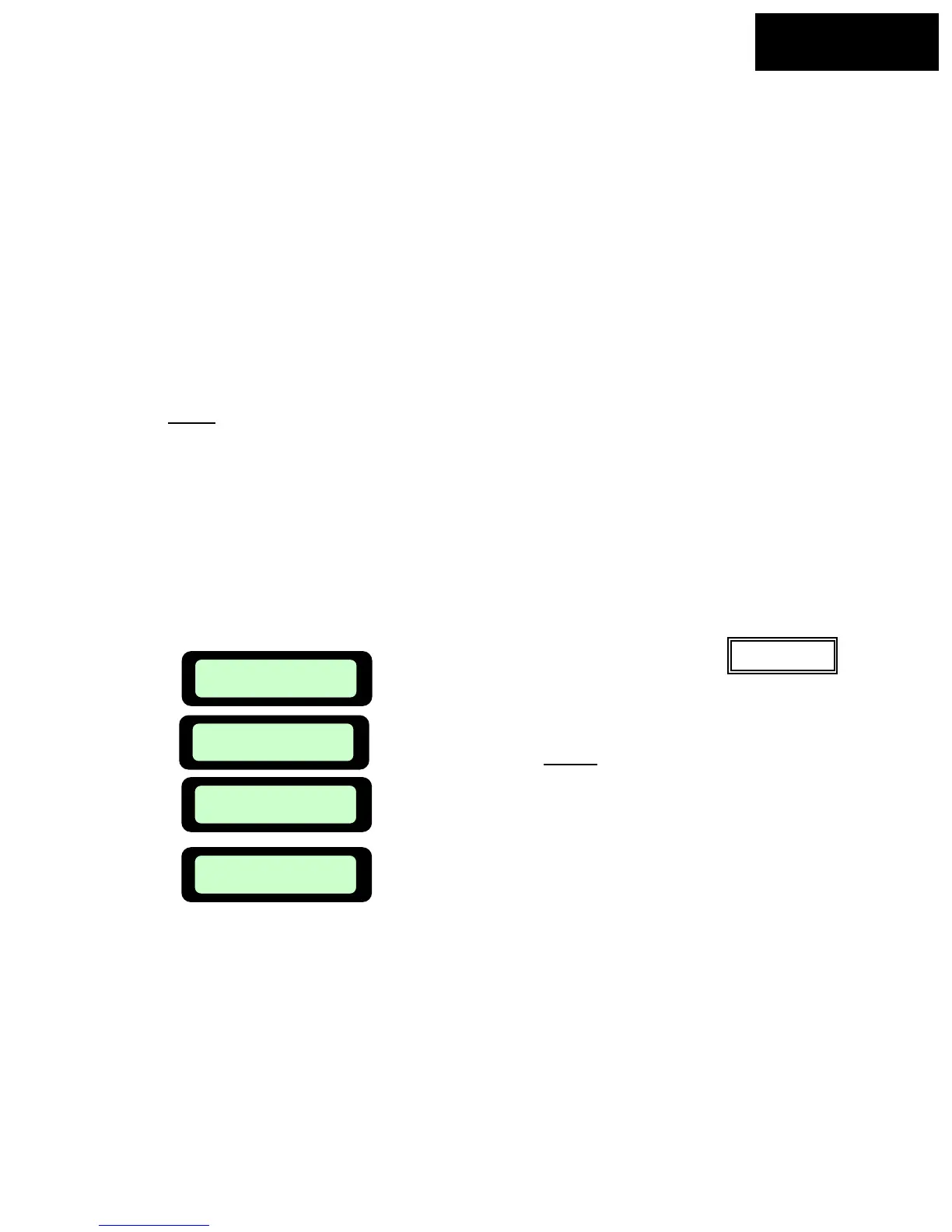
Figure 2.10
Manual
User Options
Press ‘GO
Press ‘GO’, then use the Up
or Down ⇓
arrow keys to scroll until the next screen,
Mowing is found.
User Preferences
Press GO
Mowing ON
Press GO
Use the Up
or Down ⇓ arrow keys
to scroll to the off position and press
‘GO’
Mowing Off
Confirm
• Position the Robomower towards the perimeter wire.
• Insert the Manual Controller back into the pocket and pivot down flush
• Confirm the Perimeter Switch is turned on
• Press the ‘GO’ button once. The Robomower will drive to the perimeter wire and begin tracking
for edge
• Walk along the mower while following the edge. Note places where the wire should be adjusted;
the Robomower bumps into an object or wall along edge; the mower is not cutting far enough
onto adjacent surfaces like the driveway; or areas where the mower may drop off into an adjacent
area that is lower than the mowing surface.
• Slightly move the wire in these locations
• Once the test is completed and you are satisfied with the wore position, add in pegs along the wie
where the wire is not pulled down to the ground level.








 To Next Page