Chapter 3
Page 20
Chapter 3
Automatic Operation
3.1 Activating The Perimeter Switch
The Robomower cannot operate unless the Perimeter Switch is turned on and the mower is on the
inside of the active perimeter. Press the ‘ON’ button to turn on the switch. You will hear one short
beep when the switch is first pressed, indicating it is on. If one of the other indicators is on refer to
Chapter 7, Text Messages and Troubleshooting
for further help.
Serious injury or death can occur. This machine has sharp
rotating blades. When operating in automatic mode, keep
children, pets and bystanders away from mower. When
operating automatically, do not leave unattended if children,
pets or other persons will come in contact with the mower
during operation. Never allow persons or pets to ride on this
machine or block the path of travel.
!
WARNING!
3.2 Positioning The Robomower On The Lawn
Remove the Manual Controller from its’ pocket and drive the Robomower into the lawn area to be
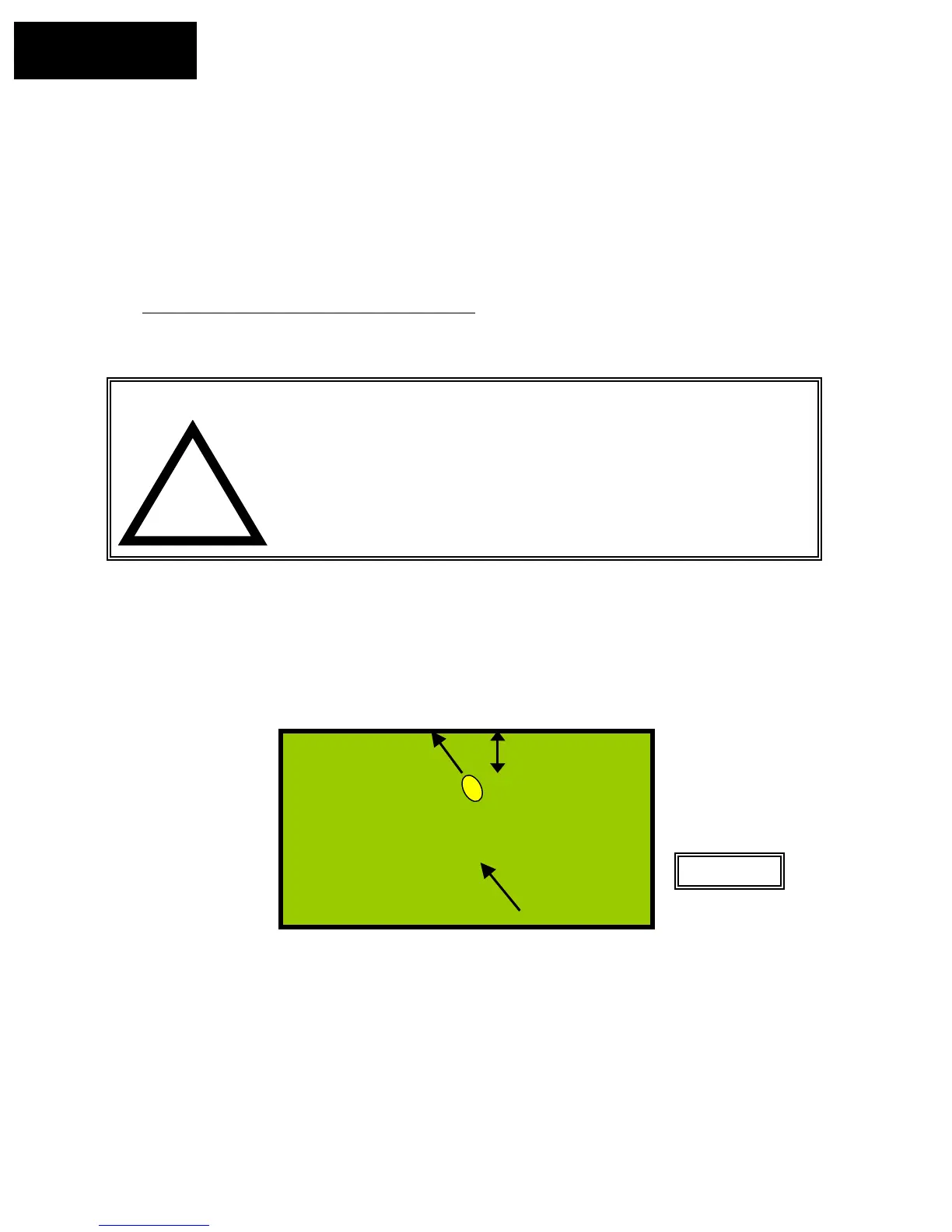
cut. Position the Robomower at least 3 feet (1 m) from any straight length of perimeter wire, with the
front of the mower pointing to the perimeter wire. Figure 3.1.
Starting
point
Front pointed to
perimeter wire
6–8 feet
(1.8 – 2.4 m)
Figure 3.1
3.3 Edge Mowing
The first mowing chore for the Robomower is mowing the edge.
• Place the Manual Controller in the pocket and pivot down flush
• Press the ‘GO’ button once to start the automatic mowing sequence
• The Robomower will automatically follow the perimeter wire one to two passes around the
perimeter and will automatically turn into the lawn to mow the inner area








 To Next Page