31
SETTING OVEN CONTROLS
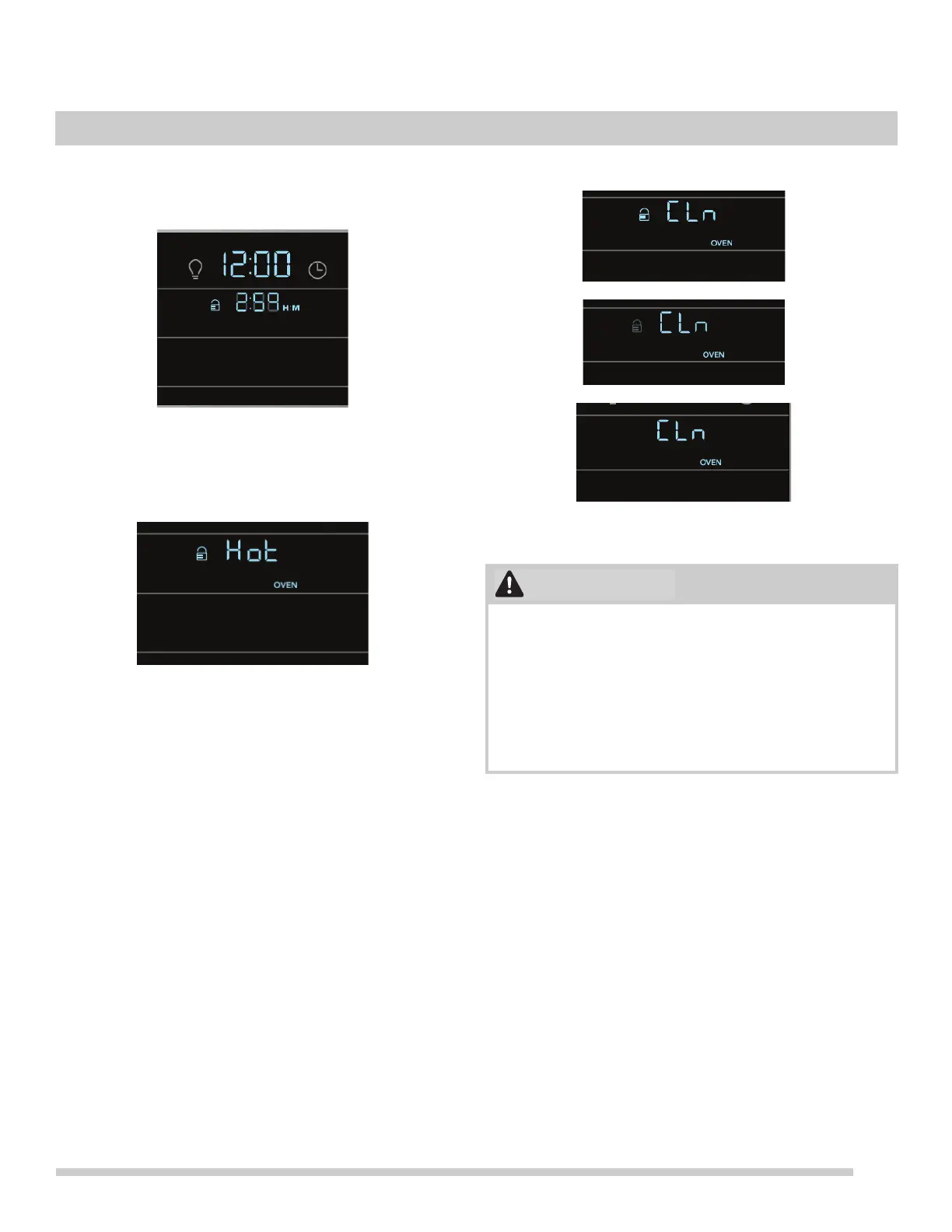
3. Once the door is closed the time of day will be visible
along with the selected clean time and the door lock
icon will be blinking in the display.
4. During the clean cycle the time of day remains in the
display and the time remaining in the clean cycle will
also be active.(
Figure 36)
5. When the clean cycle ends the oven will be too hot for
the door to unlock until the oven cools to a safe temper
-
ature. This may take up to an hour. During this time the
display will show Hot along with the door lock icon.
6. At this point CLn will appear in the display and the lock
icon will blink to signal the end of the clean cycle with a
chime. The internal oven temperature will still be hot
enough to cause burns.
Note: Once the clean cycle ends the oven will not be
available for another clean for 4 hours.
To cancel a clean before it ends:
Turn both the oven selector knob and the oven temperature
knob to the OFF position.
Figure 36: Clean cycle in progress
Figure 37: Hot oven after clean with door still locked
Figure 38: Clean lock icon blinks as door unlocks
To avoid possible burns, use care when opening the oven
door after the clean cycle. Stand to the side of the oven
when opening the door to allow hot air or steam to
escape.
The oven bake and broil elements may appear to have
cooled after they are turned off or after a clean when the
door is opened. These elements may still be hot and may
cause burns if touched before they have cooled.




 To Next Page